QNAP Surveillance Station Setup Guide
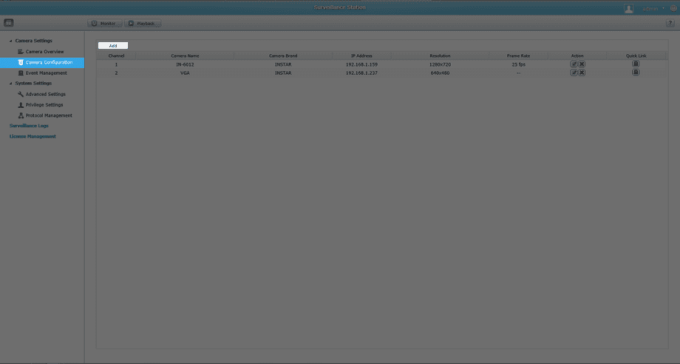
In order to integrate your INSTAR IP camera in the QNAP Surveillance Station we recommend you to download the latest version from QNAP app store.
Lorem ipsum dolor sit amet, consectetur adipiscing elit. Nunc imperdiet rhoncus arcu non aliquet. Sed tempor mauris a purus porttitor, ac convallis arcu
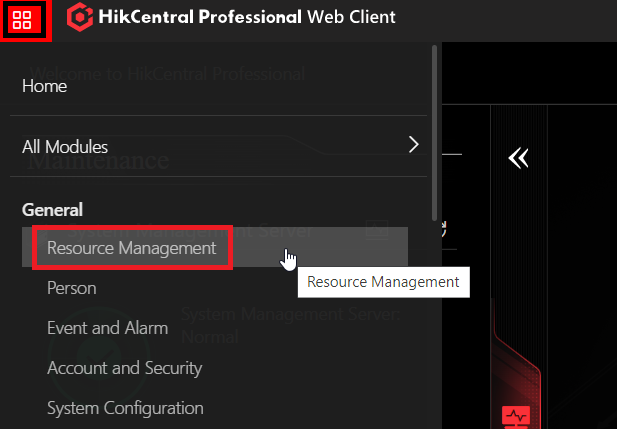
Hikcentral FAQ Full Guide, HikCentral Professional – Hikvision’s security management software – helps professionals tackle various security obstacles on one
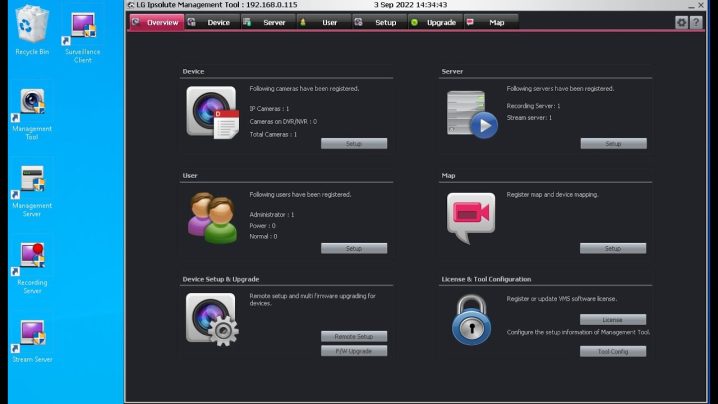
LG LVI510 VMS Setup and User Guide, Discover the comprehensive LG LVI510 VMS Software Guide to understand its features, installation, configuration, and best practices for optimal performance.The LG LVI510 VMS...
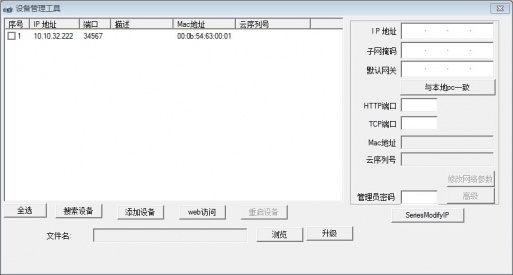
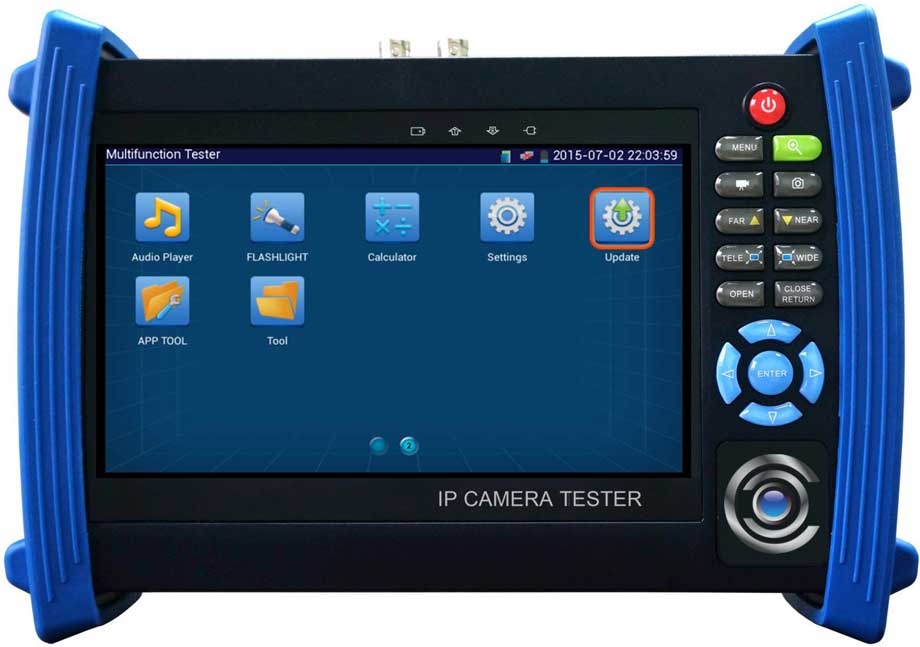
Local upgrade operation method
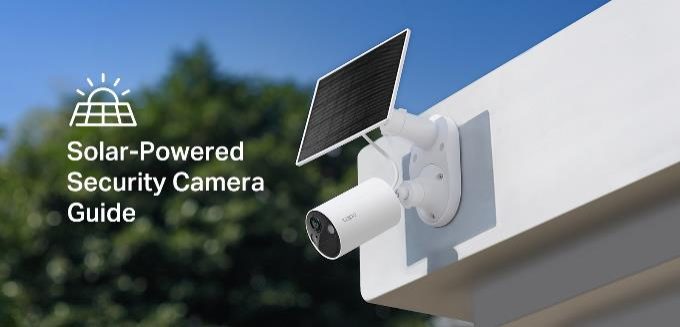
Solar Security Camera Guide: Harnessing the Sun for Enhanced Home Safety, Solar security cameras are becoming popular for homeowners and businesses as the
(Channel binding below the relationship is used only with the AHD camera)
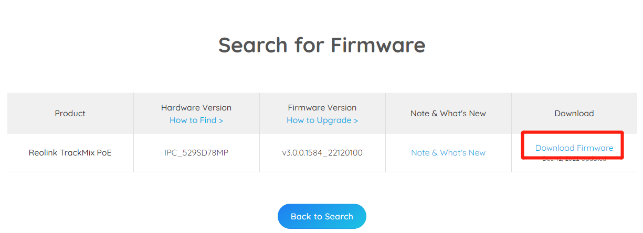
How to Manually Update Firmware for Reolink Devices, Regular Reolink firmware update ensures that you benefit from the latest features, security enhancements,
- Whether the recorder camera supports coaxial control
1——Check whether the network indicator of NVR and IPC is normal
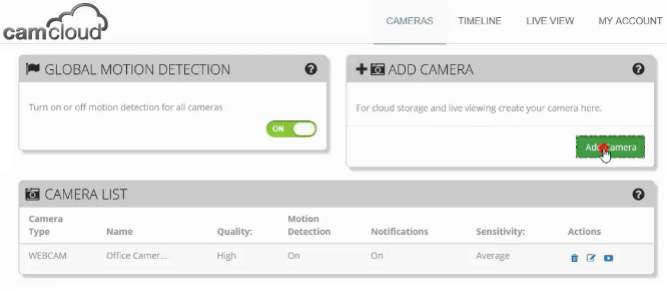
How To Setup A Hikvision Camera With Camcloud, “Camcloud really fit the bill for us on many levels. The ease of deployment and speed to install translated
The factory default IP of the camera is: 192.168.1.10
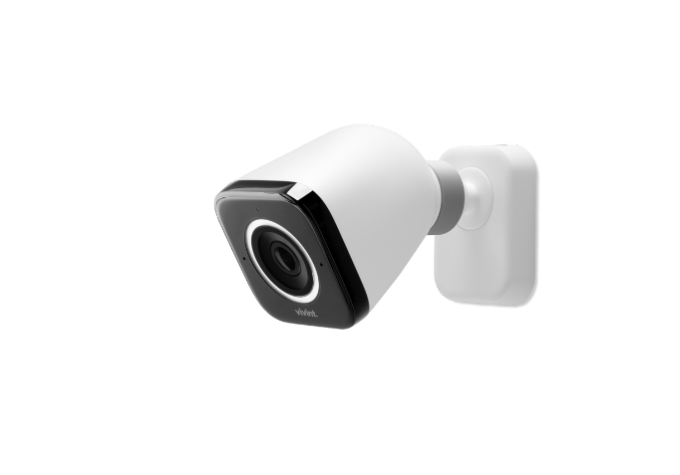
Vivint Outdoor Camera Pro Setup Guide, Vivint outdoor cameras don't just record activity around your home. Using our proprietary Smart Deter technology and
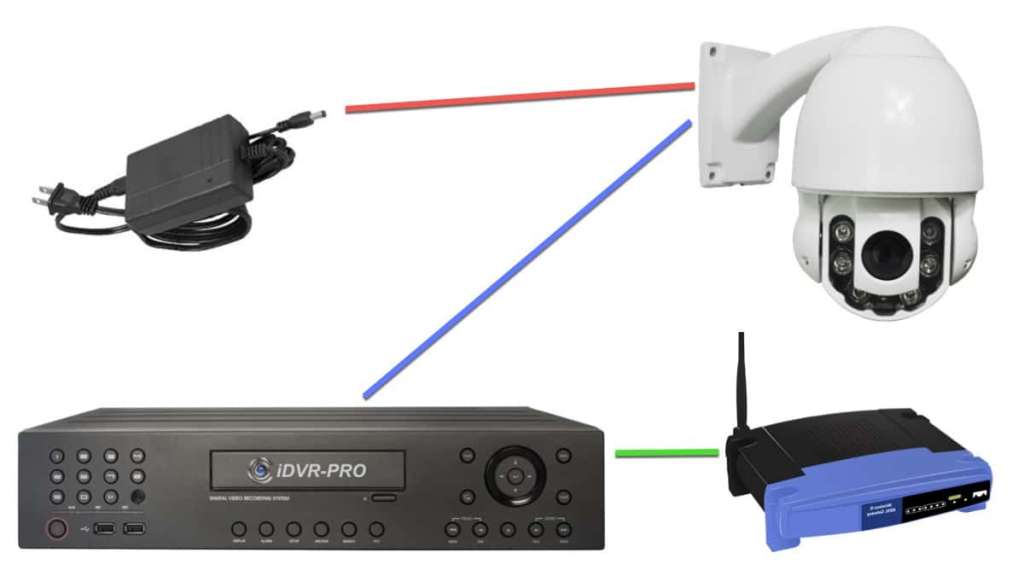
——Our network dome camera connects to our NVR, add the preset point on the NVR end, it is saved on the dome camera, the NVR power off and restart or the dome