Uniview Devices Password Reset
uniview devices password reset, After you generate a master password (which is temporary), you can use that password to access your Uniview NVR and eventually
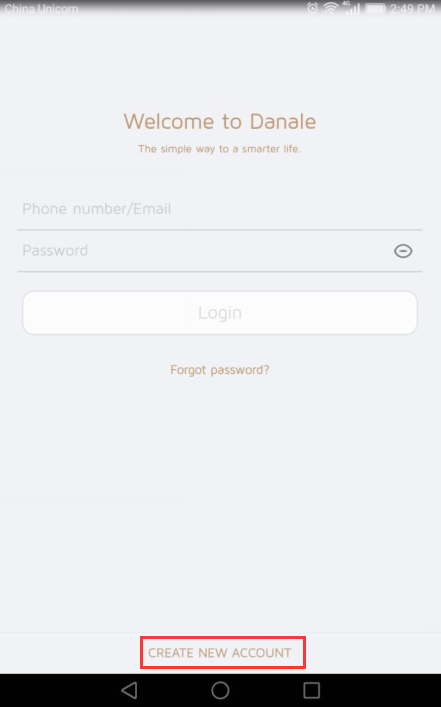
Danale Wireless Camera Installation Guide, The Device supports cloud service and you can purchase cloud service if you need. Cloud service is not activated by
Tiandy Easy7 Smart Client Express User Manual, This user manual is prepared based on Easy7 video monitoring system. In order to provide brief function
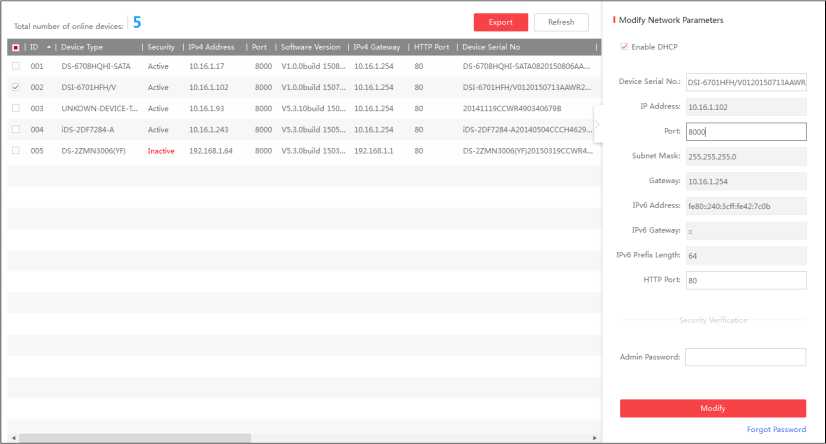
SADP Tool Software User Manual, Search Active Devices Protocol software is user-friendly and installation-free online device search tool. It searches the
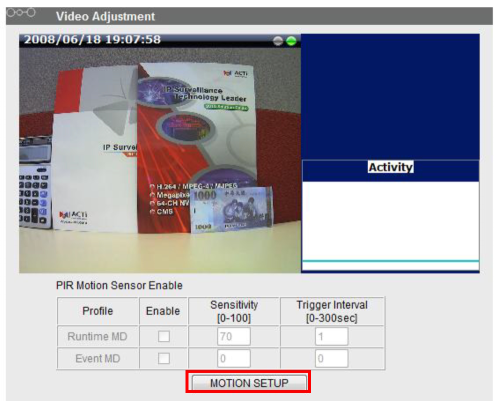
How to Use Motion Detection in ACTi Cameras Motion Detection (MD) is a common video analytics function that is supported by most of the IP cameras in the
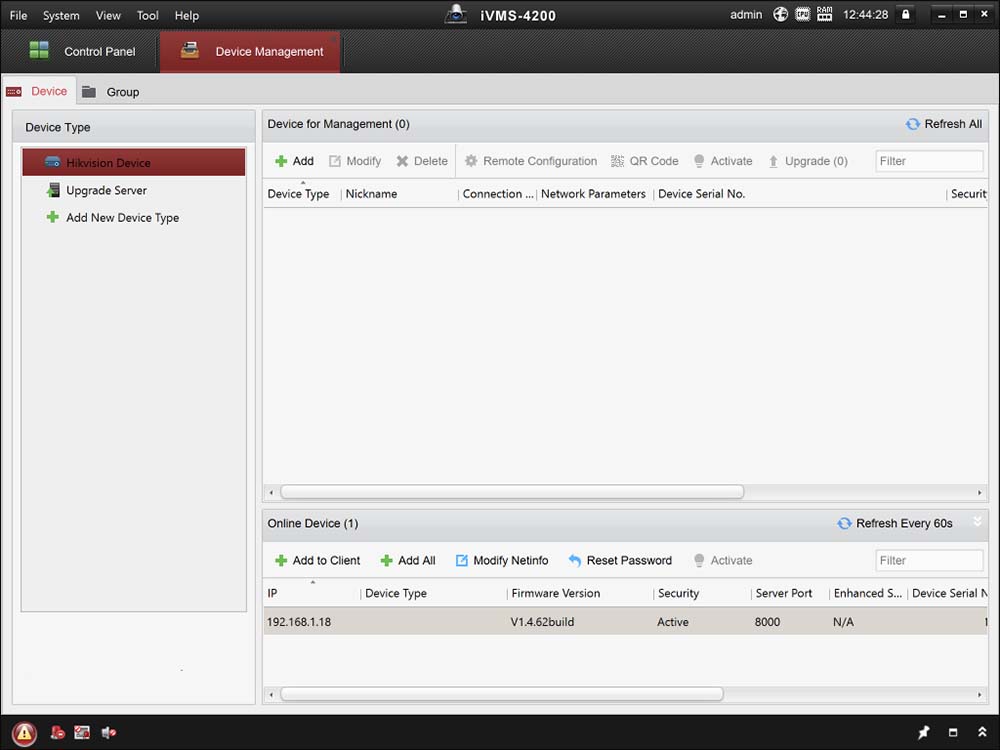
How To Configure Hikvision iVMS-4200 Camera Management Software
Ganz CORTROL VMS Client Setup Guide, GANZ ® CORTROL VMS is the Core Command Center of your security installation. CORTROL unifies Video Surveillance, Access
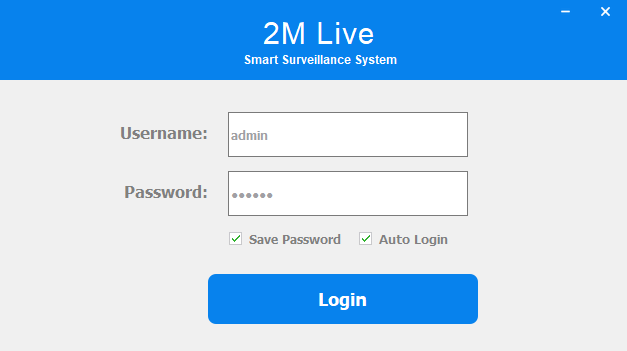
When you first open 2M live it will prompt for a username and password. By default, this is admin/123456. After the first login it is recommended that you
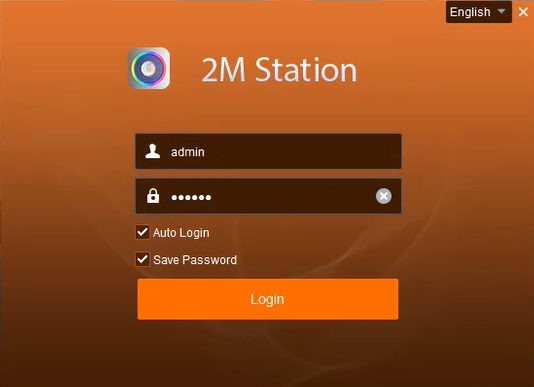
How to Set Up 2M Station, 2M Station is the PC software to view your cameras on your computer on and offsite. This program only works with models: 2MT-4004,
Troubleshooting your UNV NVR , This tutorial will cover a wide array of troubleshooting tips for the most common issues presented in UNV NVRs. This tutorial
UNV Viewing, Locking and Clipping Playback on your UNV NVR When an event occurs in the view of your cameras, viewing playback is an important part of having a security system.
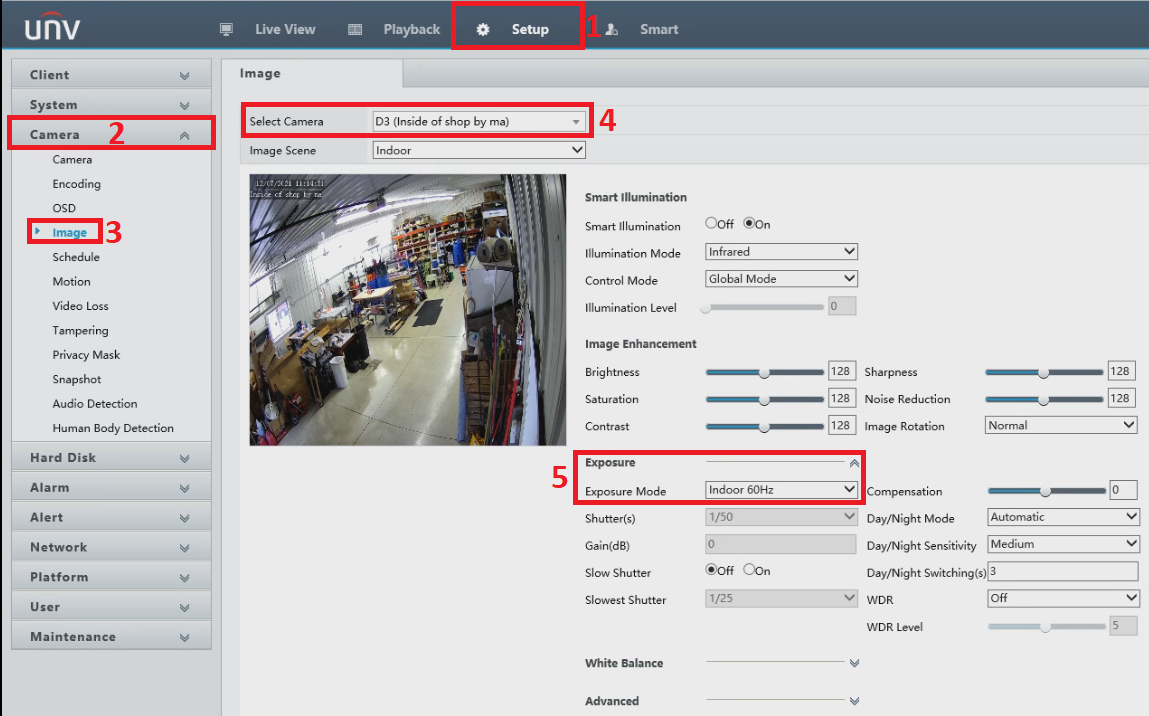
There are some IP camera and NVR models that do not work well when you try to connect to them in modern web browsers (Internet Explorer Microsoft Edge, Google