XMeye - How to Connect DVR/NVR on Phone App XMeye?
Applies to: DL41B/DL81B/DL41A/DL81A/DL41D/DL81D/DH81S/DH81X/DH81NG/DM41D/DM41A/DM81A/DN41D/DN81D/DN41S/DN41NA/DM41H/DM81H/DM21O/DM31O/DE41N/DE81N/DN81NB/DM81Z/DM61W/DG81CP/DG81CQ/DH81NK/DG81CR/DH41NK/DM41G/DN41CJ/DN81BJ/DN61EC/DG81W/DG61X/DG41T/DT81DQ/DT41DC/DT61ER/DG41BE/DG81BE/NP41F/N43SU/N44SU/N48PZ/N481U/N441U/N44PBD/N461W/N48PAU
Please search XMeye in google play or Apple store and install it on your phone.
Here are steps to use app Xmeye to connect the recorder. This method can use for both the local view and remote view.
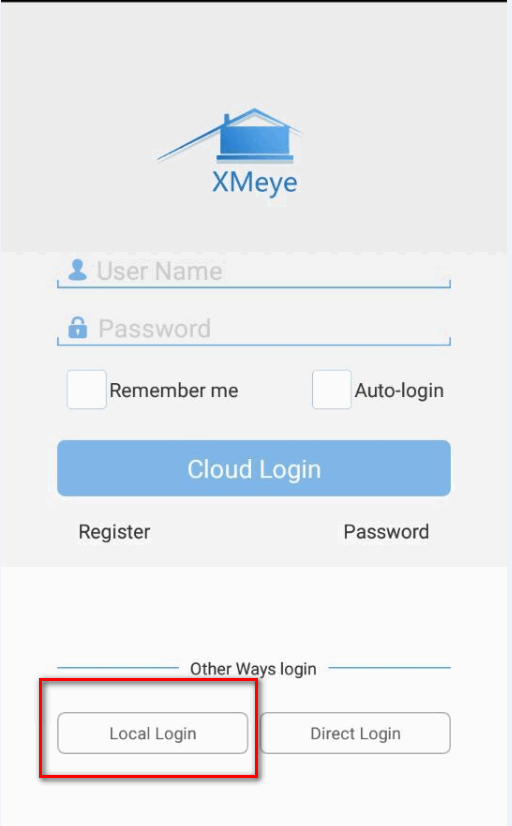
Step 1: Tap local login
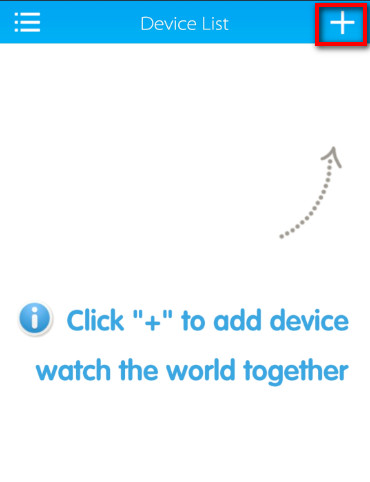
Step 2: Add device
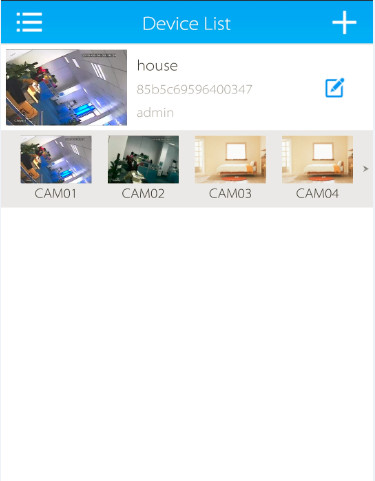
Click plus button at the top right to add the camera.
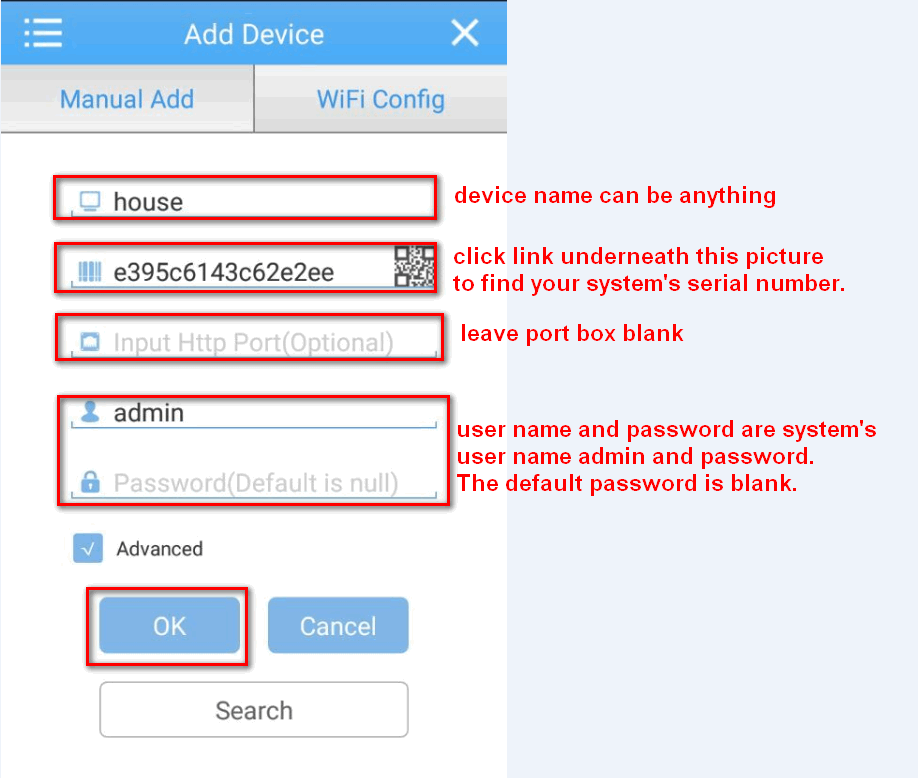
Step 3: Input system‘s information
a. The name can be anything.
b. You can find S/N(ID) on the monitor. Please notice the S/N on the label of the recorder is not the ID used to connect and view.
Here is a method to find the serial number.
https://help.annke.com/hc/en-us/articles/360000248422-Where-to-find-the-serial-number-and-QR-code-of-system-and-NAT-status-
c. The default password is none.
Troubleshooting
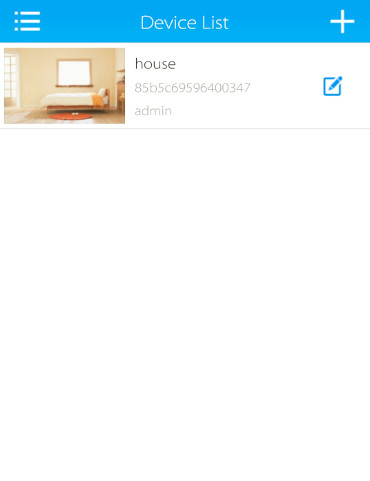
By now you should be viewing your security camera system from your mobile device. If you are unable to connect to your system and are receiving an error message, here's a list of settings to double-check:
-
Please check the DVR/NVR network status if it's online or not. Or you can refer this net link to fix your DVR's IP.
https://support.sannce.com/hc/en-us/articles/900000447566How to fix DVR/NVR‘s IP? (XM solution)
Was this article helpful?
Bu bilgiler sorununuzu çözmeye yardımcı oldu mu?
Still need help?
Uzman ekibimiz size yardımcı olmak için burada.