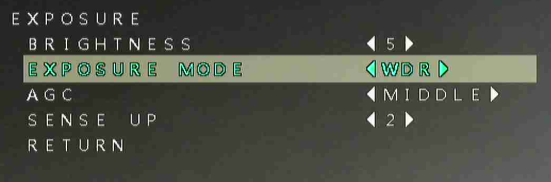
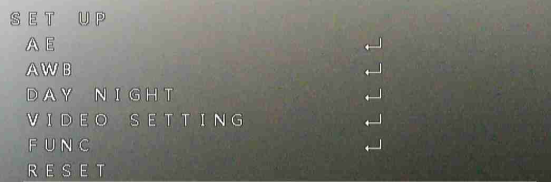
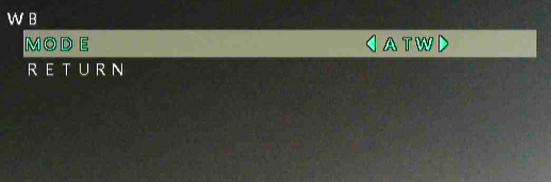
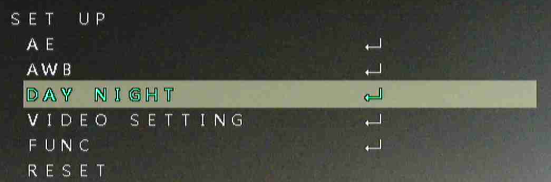
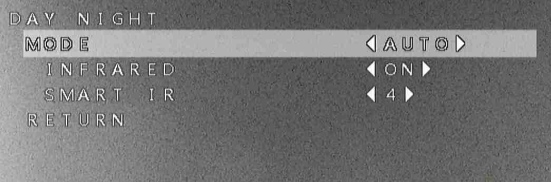
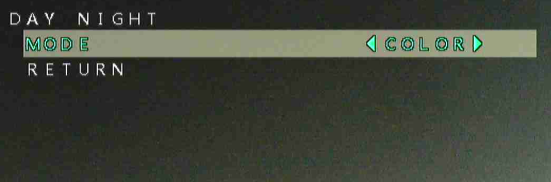
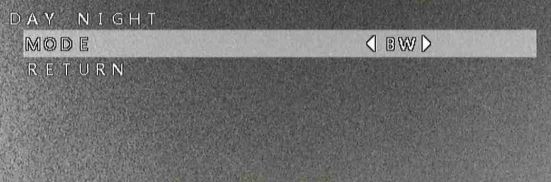
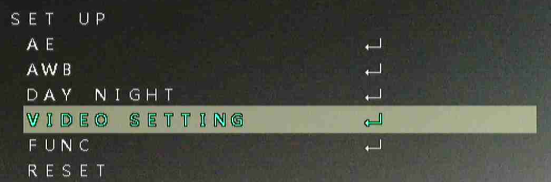
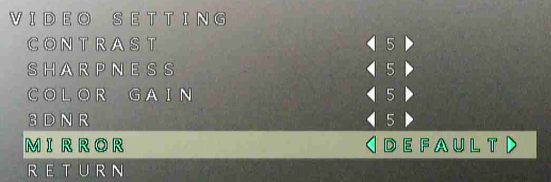
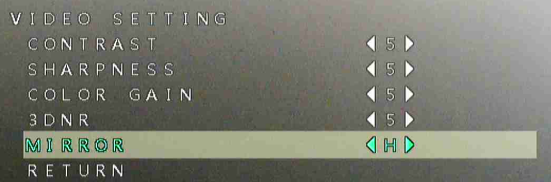
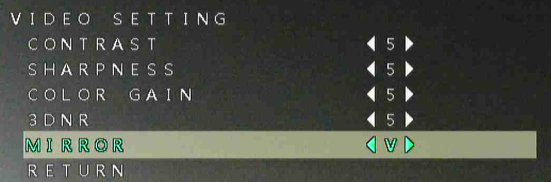
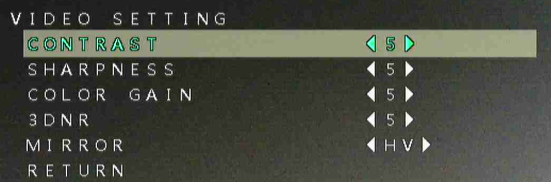
(TVI) Access the Camera OSD feature menu
20 Aug 2026
341 views
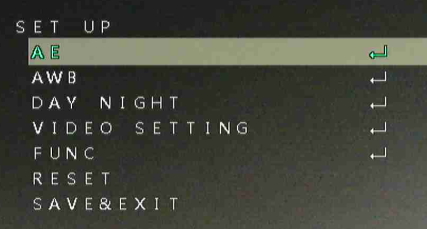
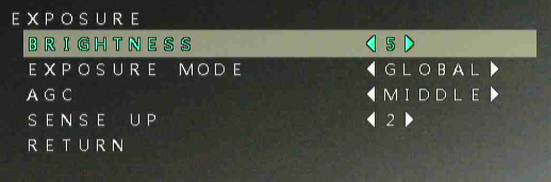
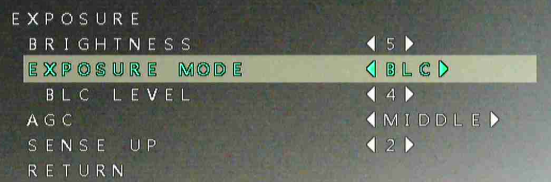
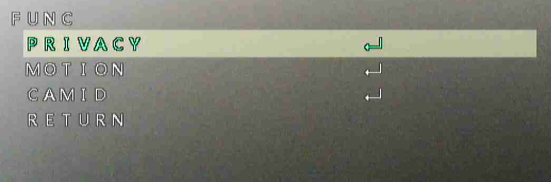
How to access the TVI/CVI Camera OSD feature menu?
First full screen the camera.
Open PTZ panel.
Click the (Iris +) button.
Use the PTZ Up/Down/Left/Right to move the cursor.
Iris+ will act as Enter while inside the menu.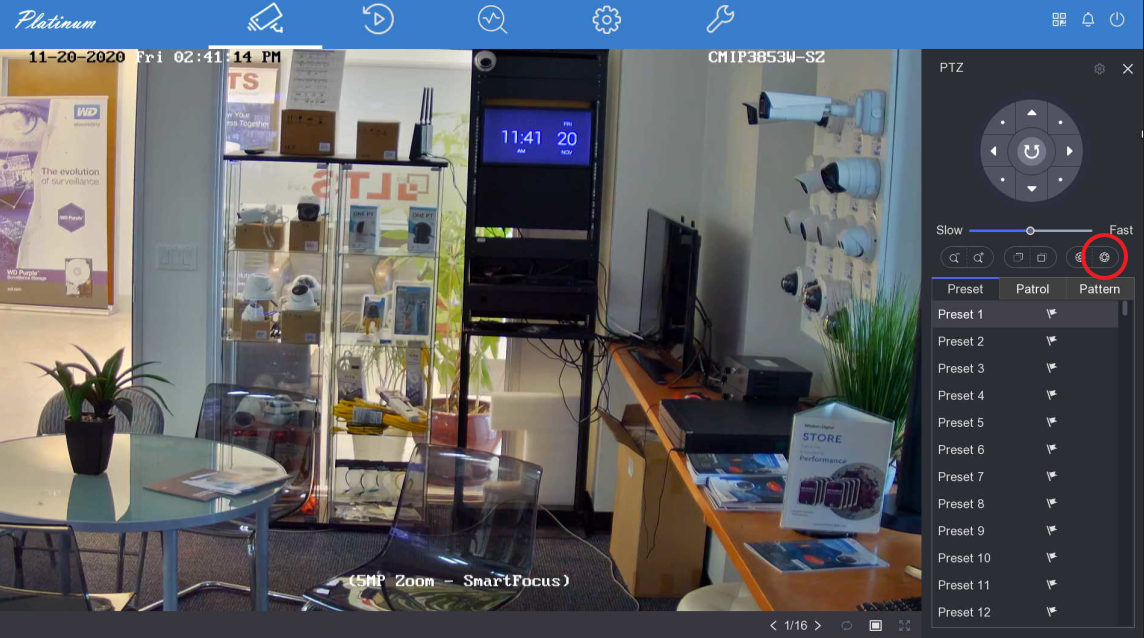
Only TVI or CVI cameras will have this OSD menu. Analog/CVBS cameras will not have this menu.

(Other Related) Change Color247 LED Setting
Was this article helpful?
Bu bilgiler sorununuzu çözmeye yardımcı oldu mu?
Thanks for your feedback!
Still need help?
Uzman ekibimiz size yardımcı olmak için burada.