(Setup) - How to initialize the Sapphire IP camera?
20 Aug 2026
345 views
There are two ways to initialize the Ip camera.
- Use Config Tool to initialize it.
- Login & Init from the IE browser
Use Config Tool to initialize it.
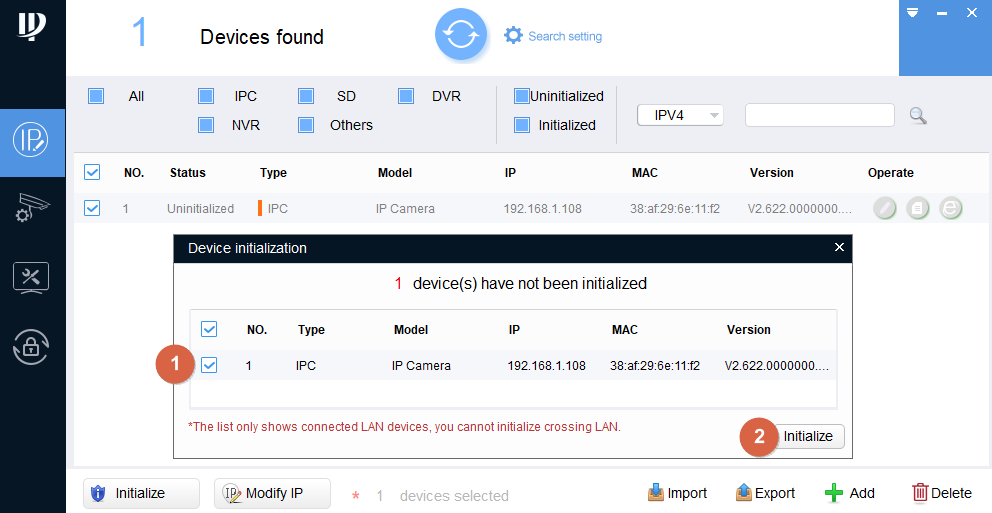
Run the Config Tool first.

3. Click Initialize button
1. Select the IP camera you want to initialize.
2. click the button.
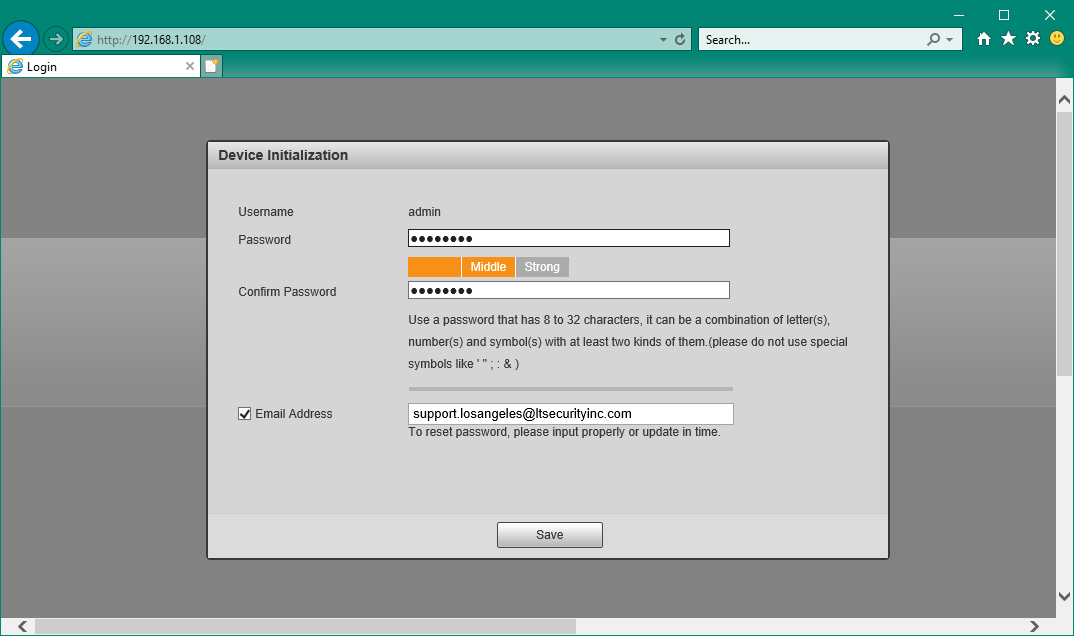
Put the Password you like. (Remember, No "." "," ":" "&" symbol)
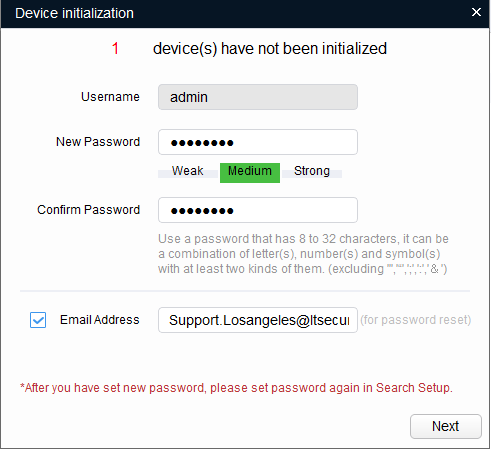
Recommend to put the Email address for the password recovery.
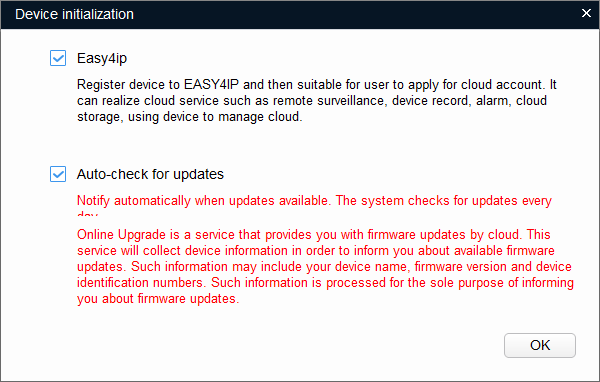
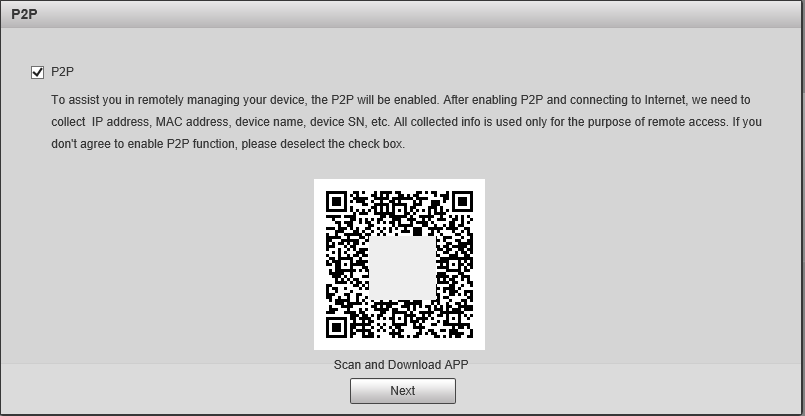
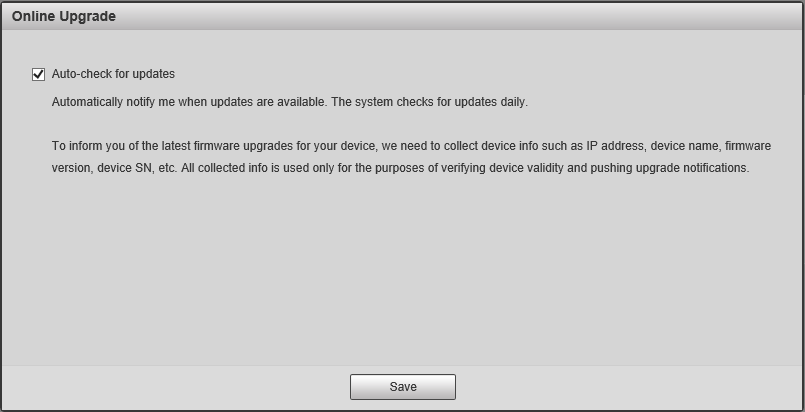
Easy4IP, Auto-check is optional. click OK go next.
Finished. This is how it looks.
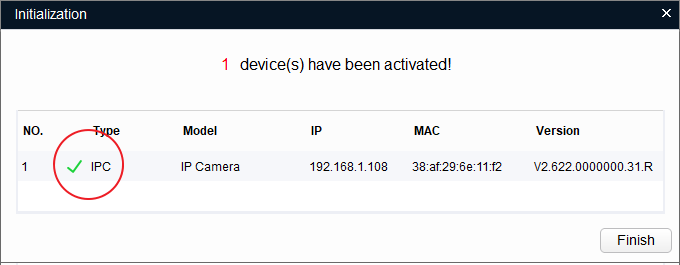
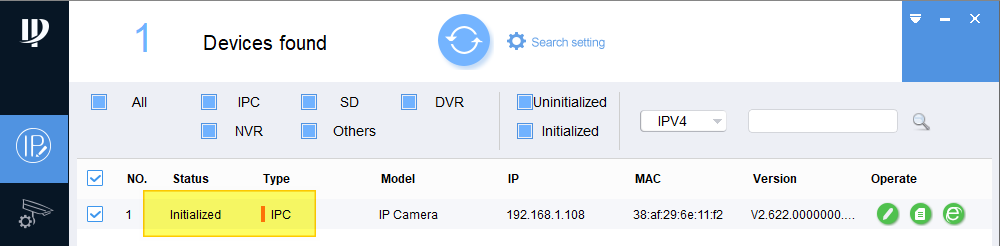
Access the default IP from the Browser. If you like to change the IP address, please check here
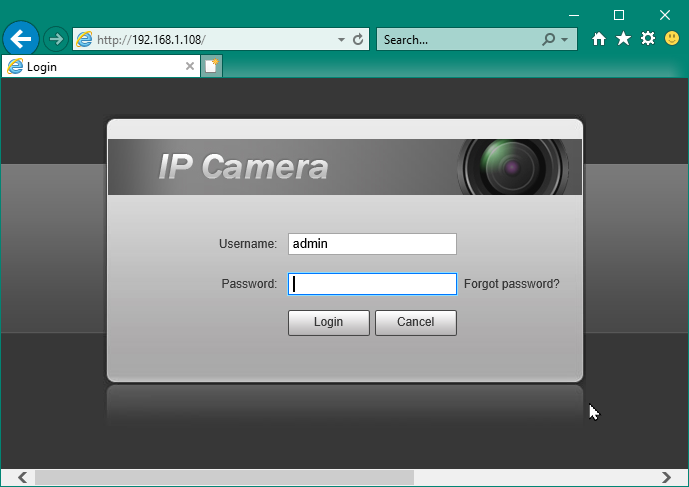
Use Browser to direct access Initialize it.
Open the browser and enter the IP address. The default IP address is 192.168.1.108.

Was this article helpful?
Bu bilgiler sorununuzu çözmeye yardımcı oldu mu?
Thanks for your feedback!
Still need help?
Uzman ekibimiz size yardımcı olmak için burada.