iCsee - What to Do if Phone Can't Connect Camera?
20 Aug 2026
347 views
Applies to:
I31CB/I41ED
1. Download and install the APP
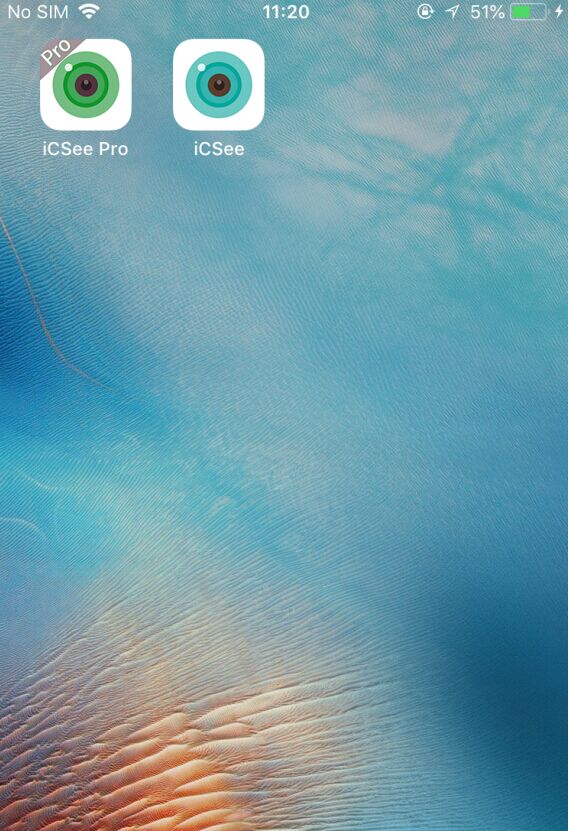
Go to "Google Play" or "App Store" on your mobile phone, search for "iCsee Pro" or "iCsee", and then download and install it on your phone.
2. Confirm your Wi-Fi status
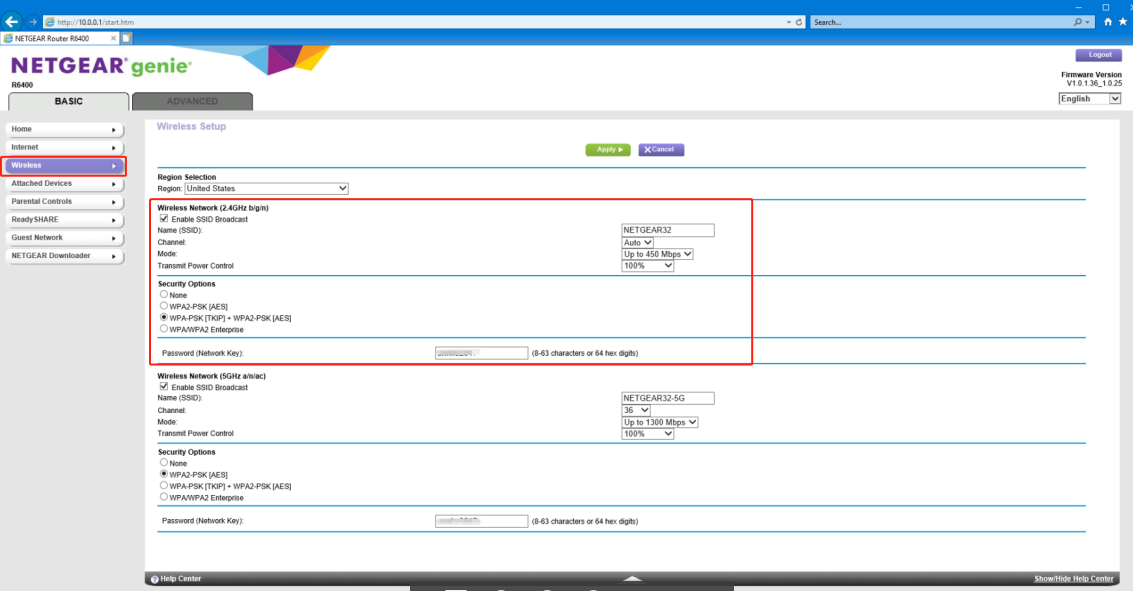
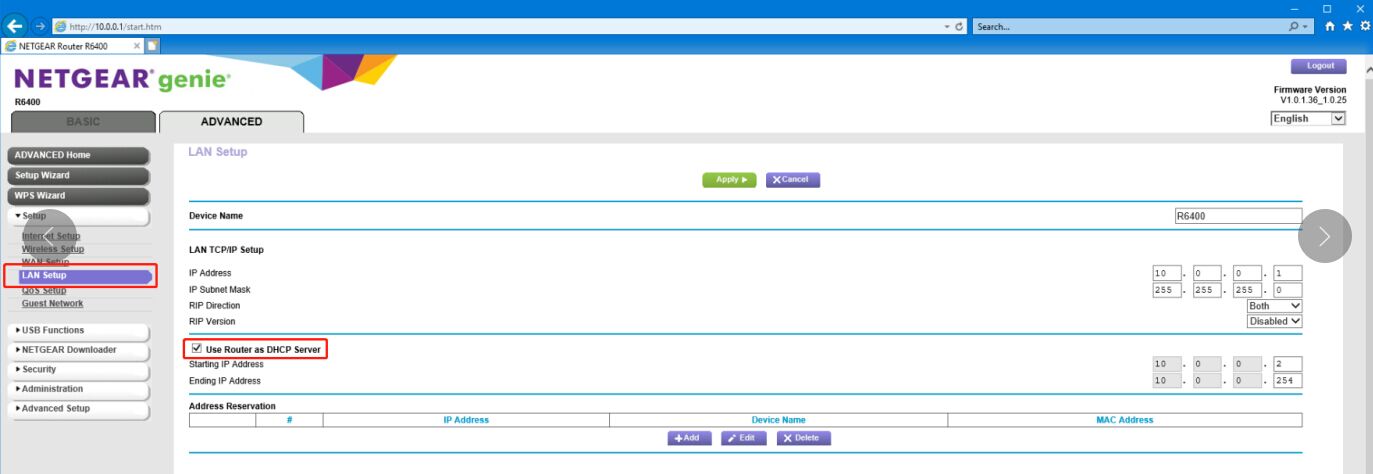
A. Check if your wireless router has enabled DHCP and if it is the 2.4 GHz network. (The device does not support 5GHz Wi-Fi currently.)
B. Ensure your smartphone has been connected to the wireless router.
C. Ensure there is no special character in the Wi-Fi name and password, and their length does not exceed 30 digits.
Was this article helpful?
Bu bilgiler sorununuzu çözmeye yardımcı oldu mu?
Thanks for your feedback!
Still need help?
Uzman ekibimiz size yardımcı olmak için burada.