iCsee - How to View the Camera on Your Phone by Wave Sound?
Applies to: I31CB
1. Power on the camera, the red indicator light will light up.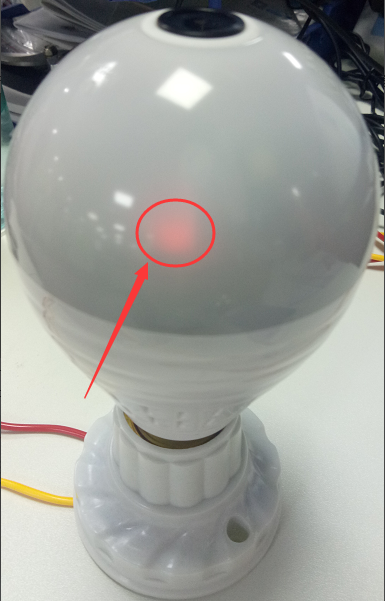
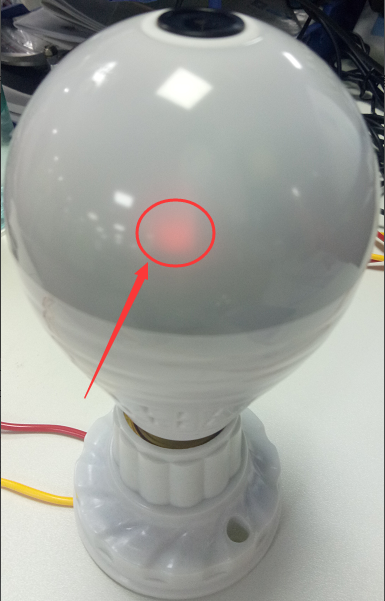
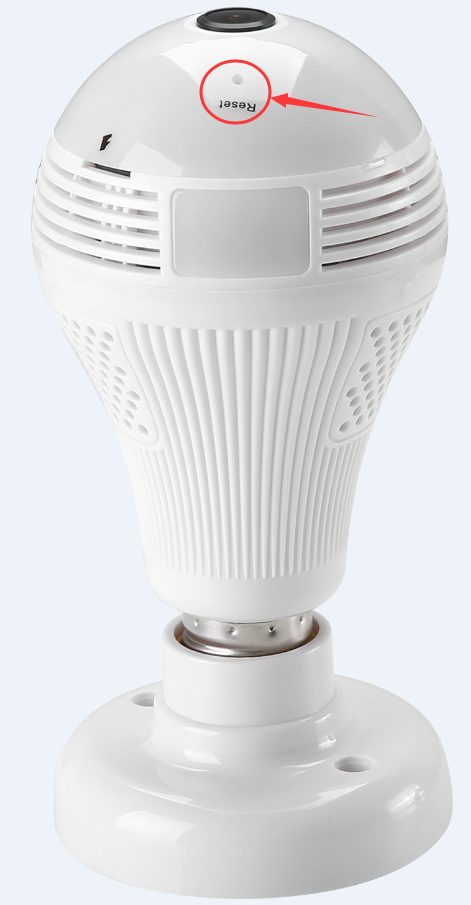
2. Using a pin to hold on press the reset button for 10 seconds until you hear the voice:
Restore factory settings, please don't power up. And the red indicator light will flash which indicator the camera is ready to connect to the phone app.
3. Search the app "iCsee" on google play or the app store.
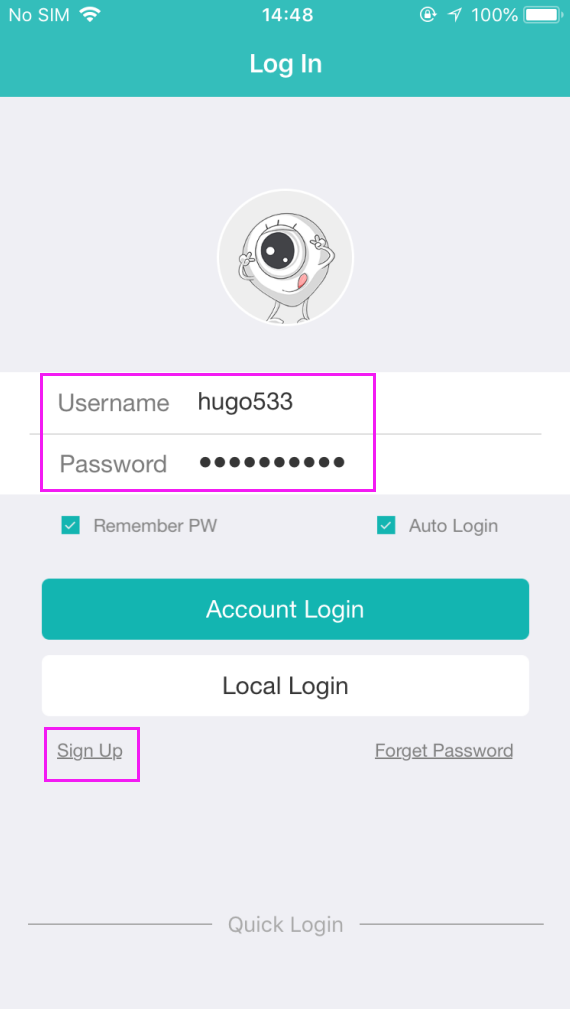
4. Sign up for an account and log in with this account.
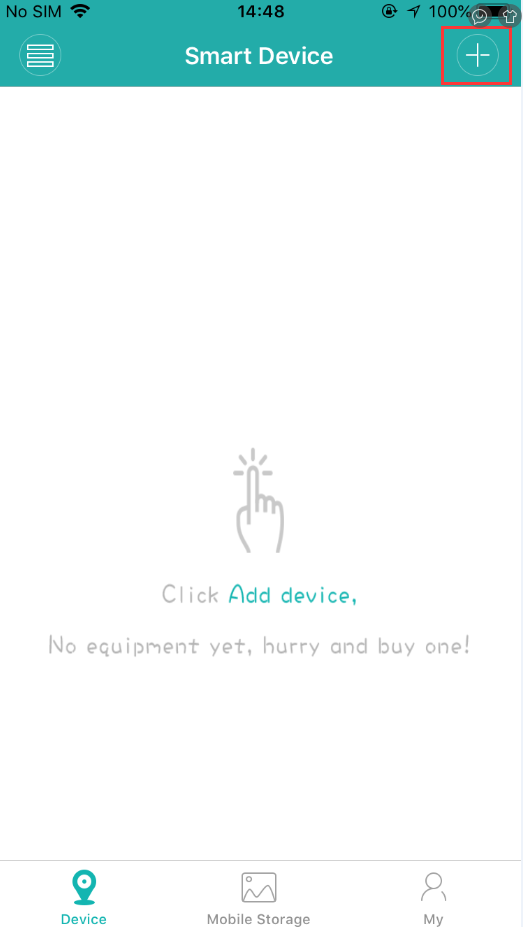
5. Please click the "+" icon at the right top.
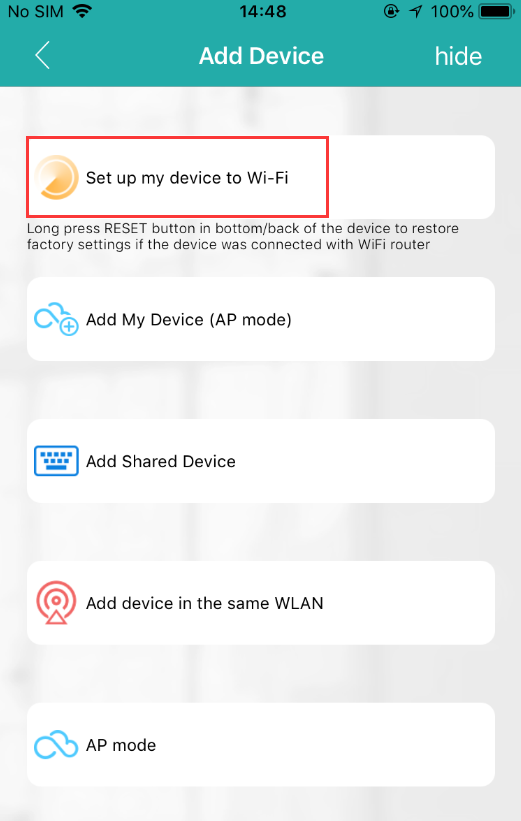
6. Please click " Set up my device to Wifi".
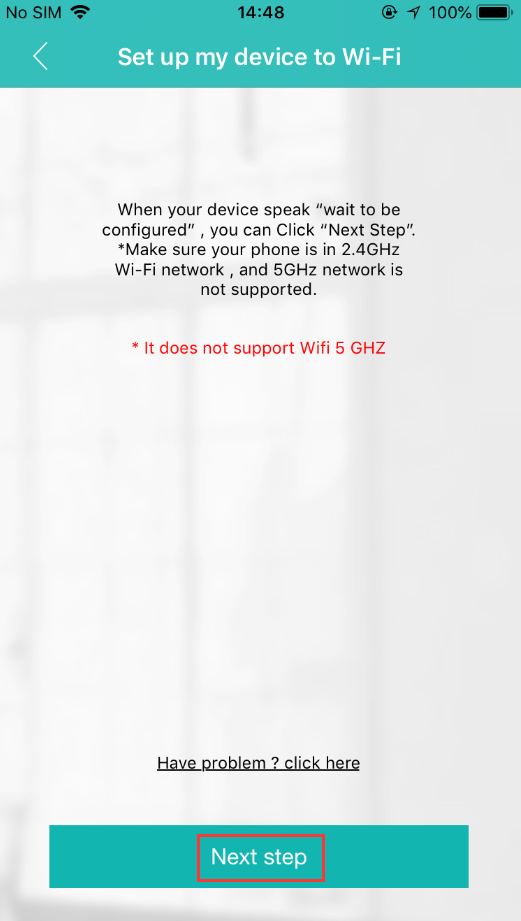
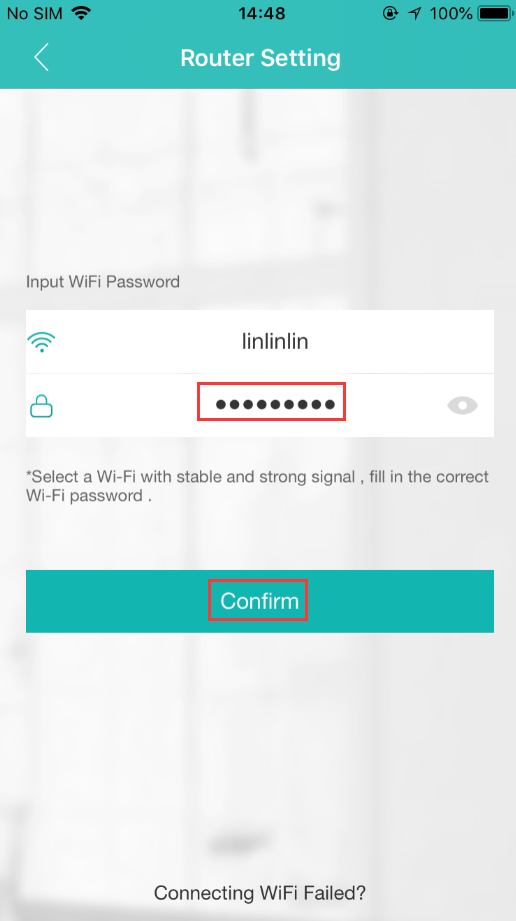
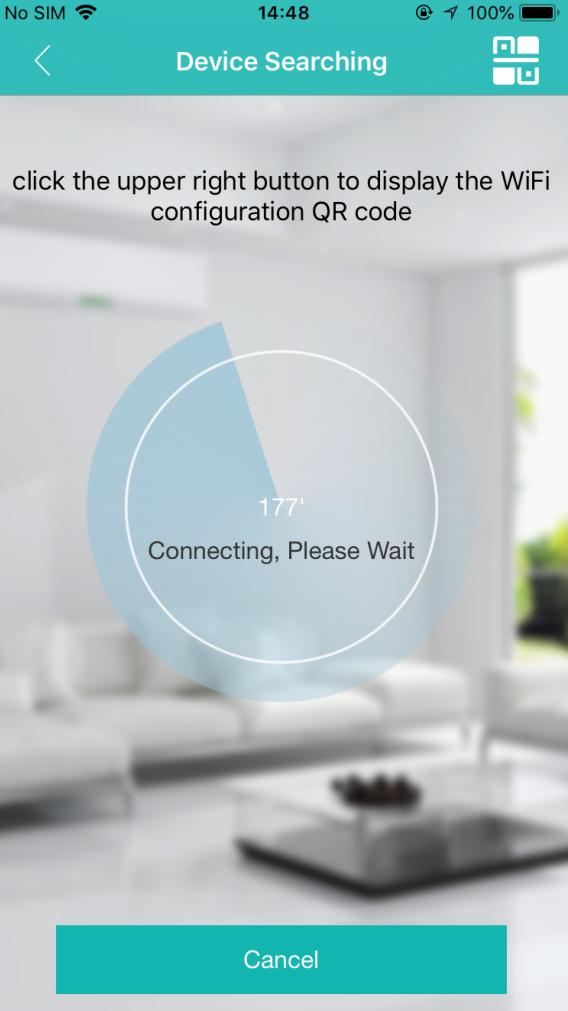
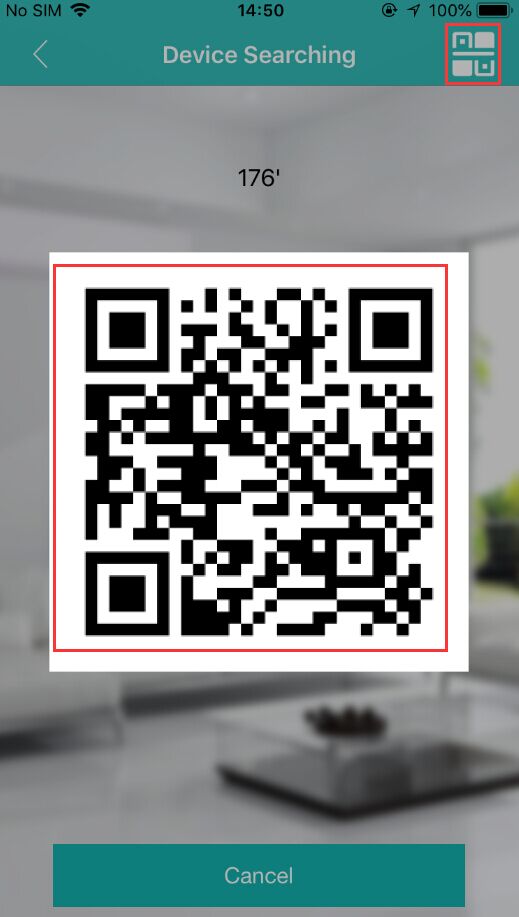
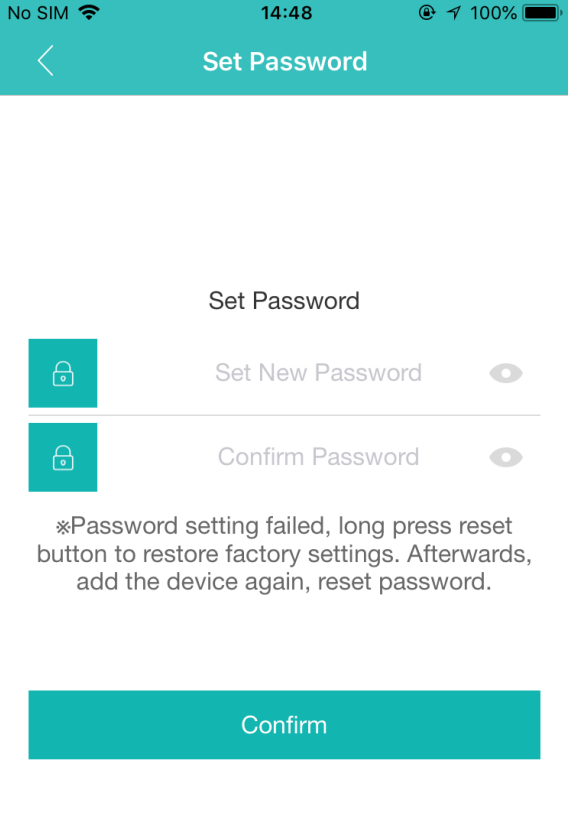
If connected to the phone app by the wave sound failed, you can also click the QR code at the right top, then place the QR code in front of the camera lens, the camera will recognize the QR code.
Was this article helpful?
Bu bilgiler sorununuzu çözmeye yardımcı oldu mu?
Still need help?
Uzman ekibimiz size yardımcı olmak için burada.