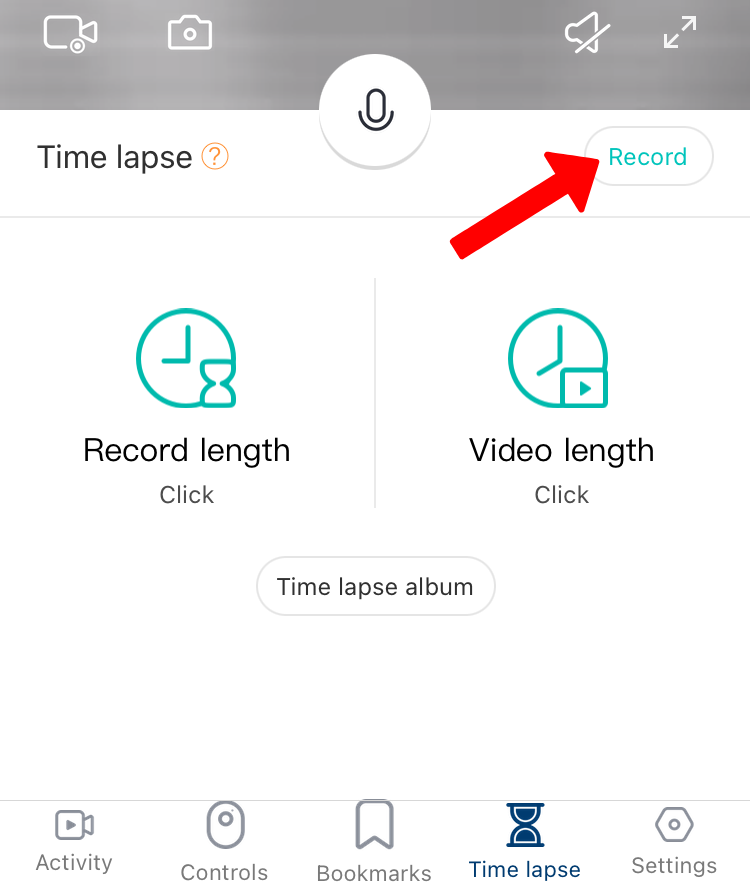
You can compress up to 6 hours of footage into a fun, shareable clip between 5-30 seconds.
To set up the time-lapse recording, please follow the steps below:
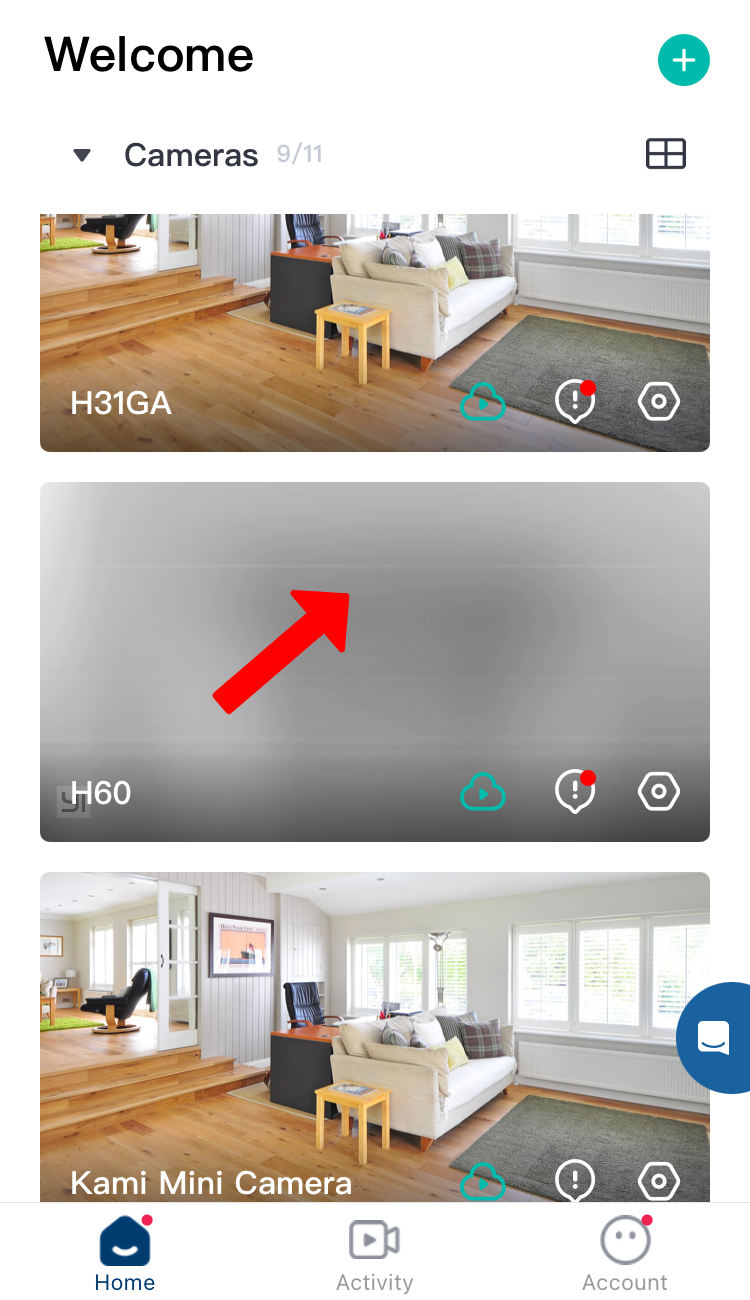
1. In the YI Home/Kami app, Select the camera:
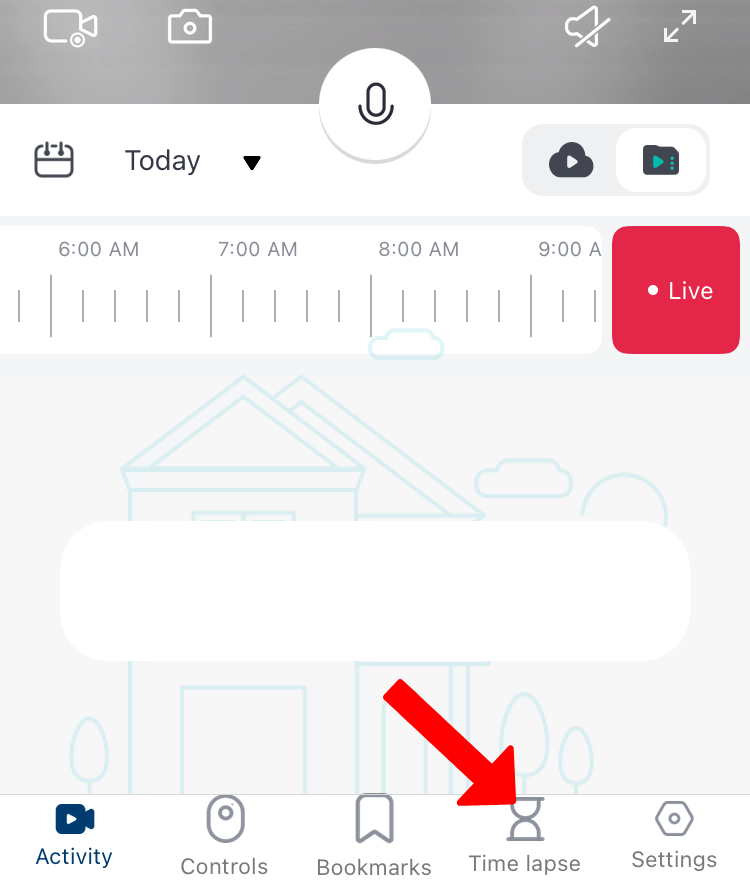
2. From the Live feed, tap on Timelapse:
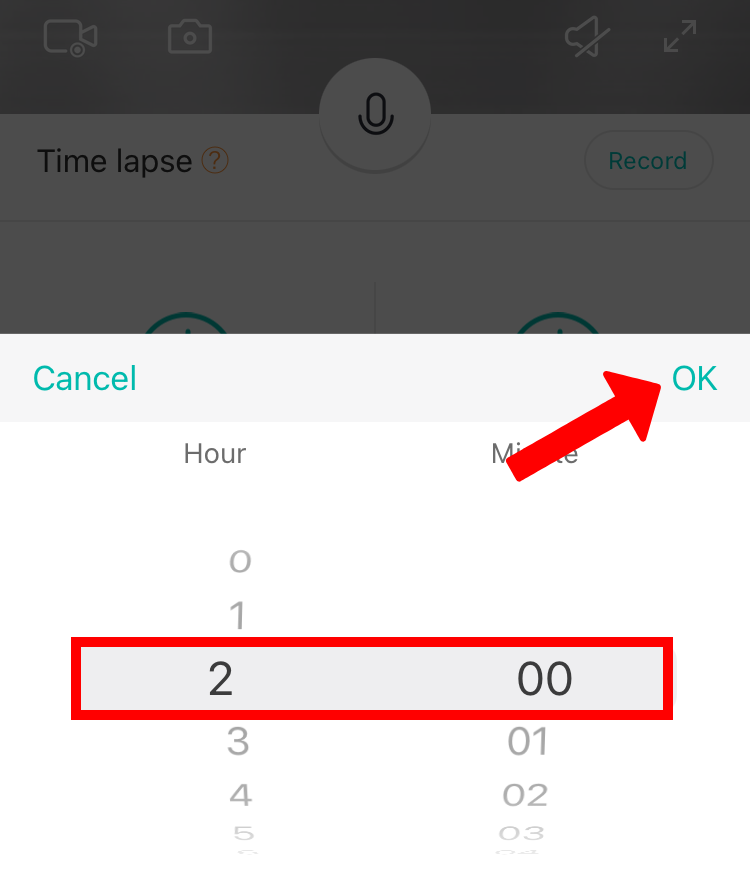
3. Under the Timelapse option, Tap on Record length.
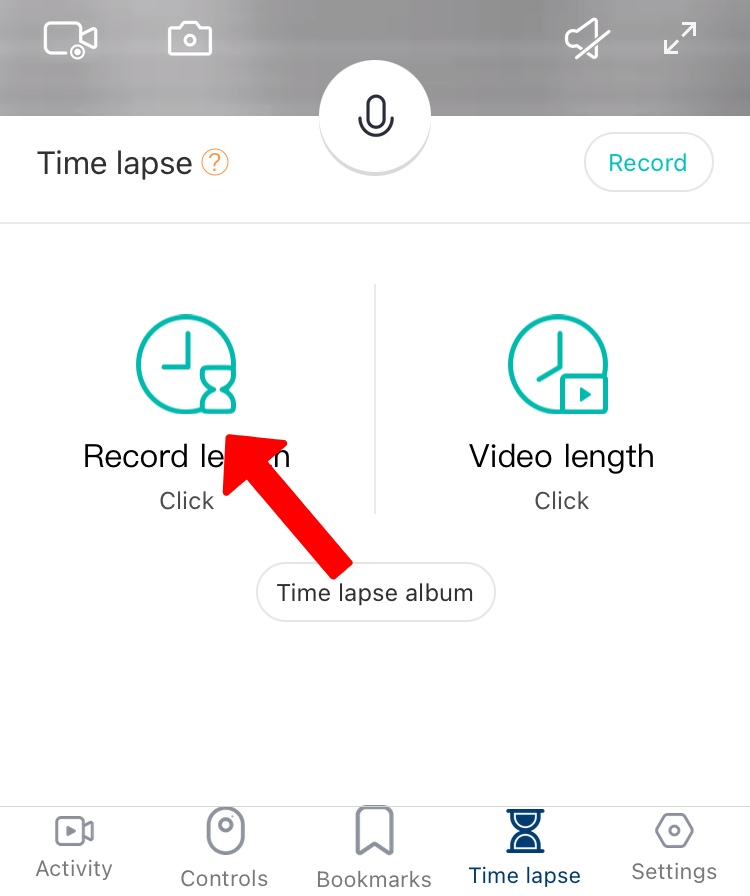
Record length : How long is the entire span of the timelapse. You can it set up according to hours or minutes. The maximum record length is up to 6 hours , then Click OK.
4. Once the Record Length is set up, Tap on Video Length.
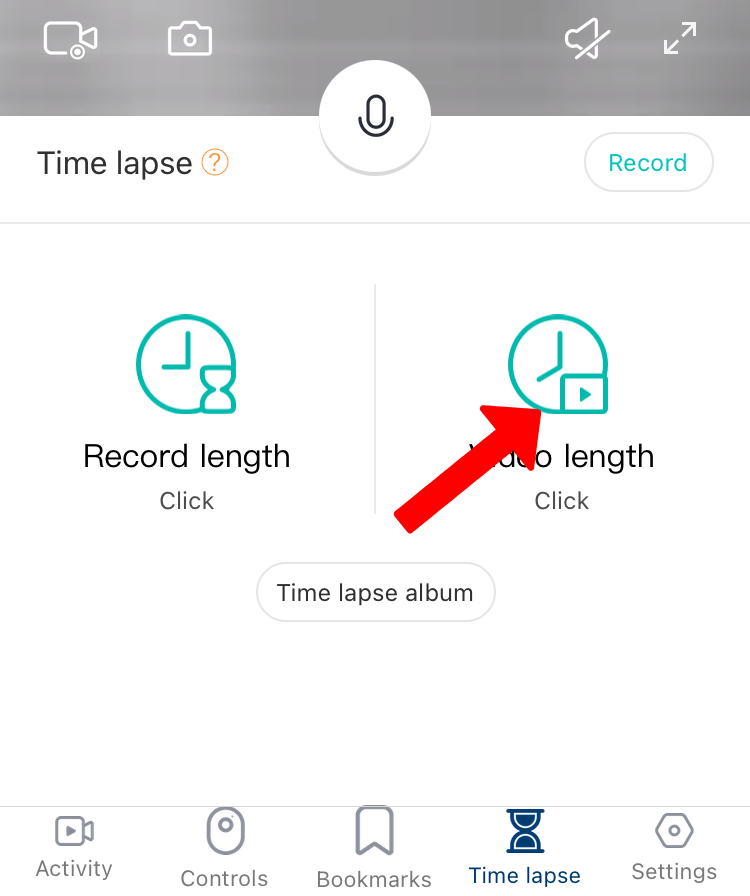
Video length : How long is the final record duration. The maximum video length is up to 30-seconds , then Click OK.
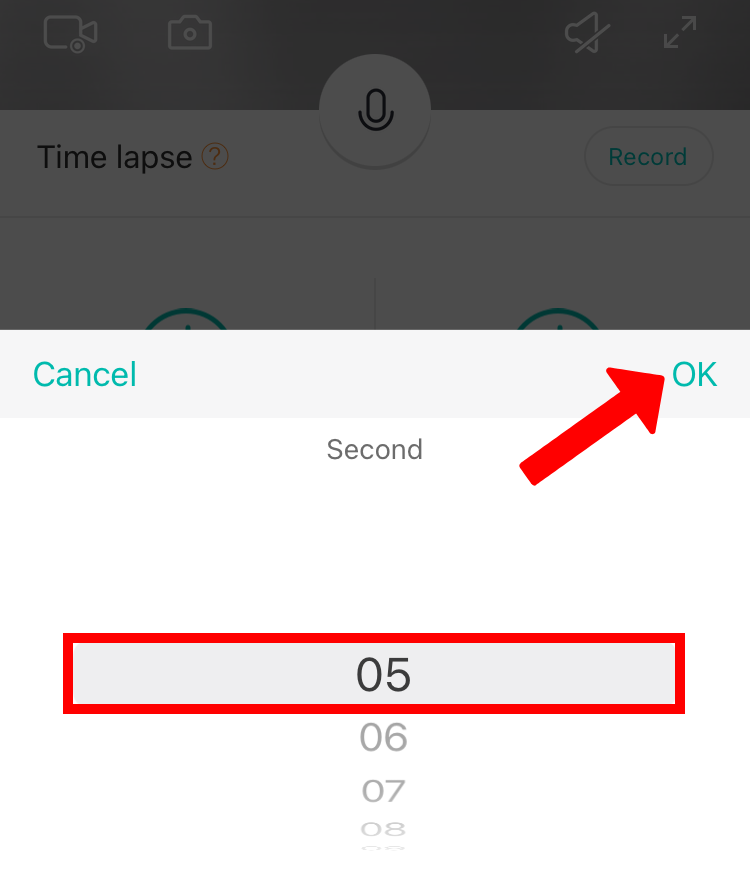
5. Once the Record length and Video length are set up, click Record to start the timelapse recording.