a. Use Video + Photo mode to simultaneously shoot videos and photos
b. Use the app to control the camera. While shooting a video, press the capture button on the bottom right.
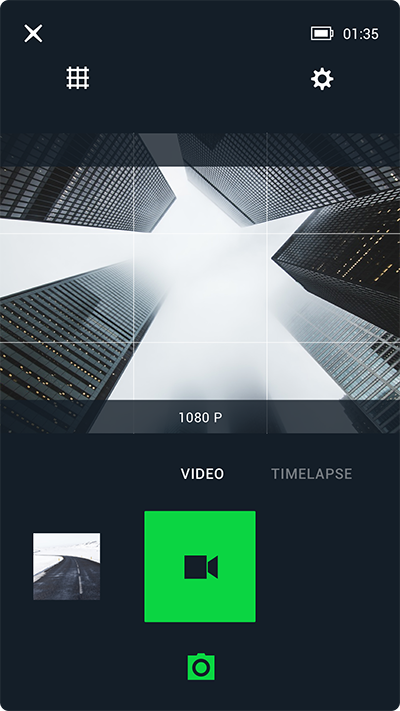
List of capture features:
|
Resolution |
NTSC/PAL |
Support |
|
4K |
60P/50P/30P/25P |
x |
|
4K Ultra |
30P/25P |
x |
|
2.7K |
30P/25P |
√ |
|
1440p |
60P/50P |
√ |
|
30P/25P |
√ |
|
|
1080p |
120P/100P |
x |
|
60P/50P |
√ |
|
|
30P/25P |
√ |
|
|
1080p Ultra |
120P/100P |
x |
|
60P/50P |
√ |
|
|
30P/25P |
√ |
|
|
960p |
120P/100P |
x |
|
60P/50P |
√ |
|
|
720p |
240P/200P |
x |
|
720p Ultra |
120P/100P |
x |
|
60P/50P |
√ |
|
|
480p |
240P/200P |
x |