(Browser) - How to find the Model# information
20 Aug 2026
359 views
How to find out the Model# from the browser access?
NVR UI and DVR UI system information locations in the browser are different.
Click the link to jump the KB section.
DVR
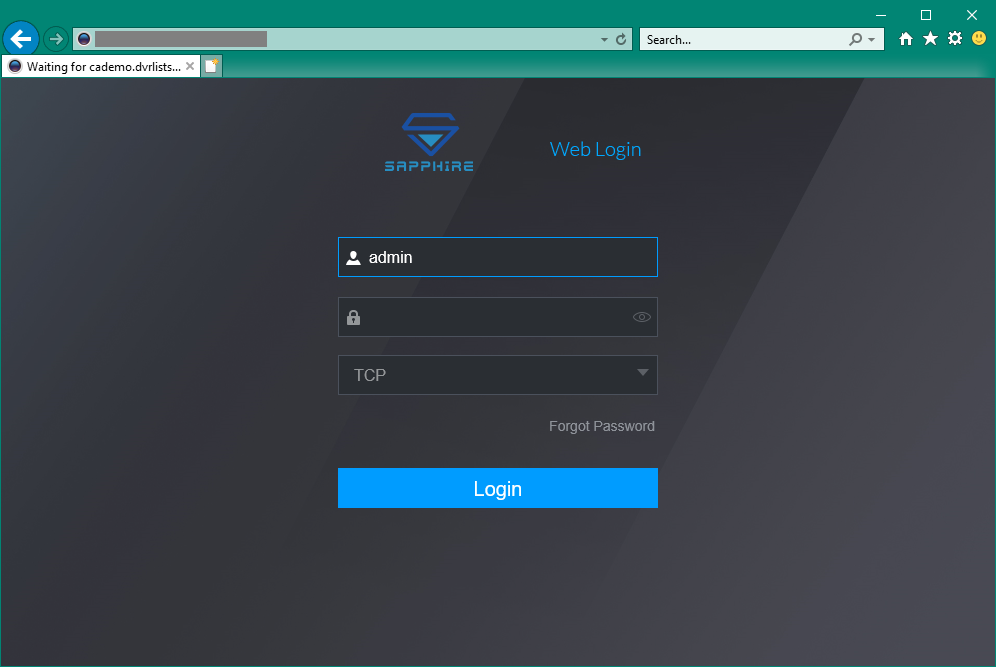
Login from the browser first.
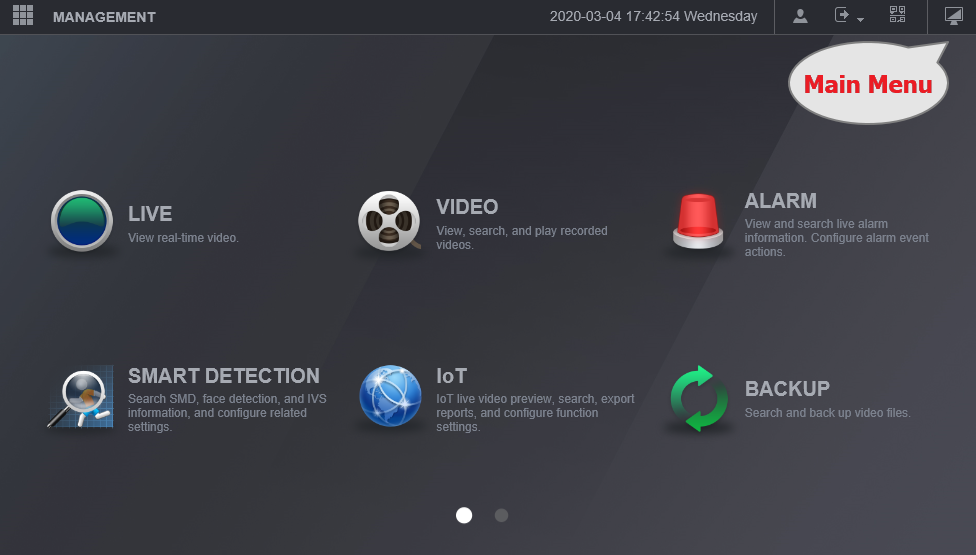
If you lost, click here to go back to the Main Menu
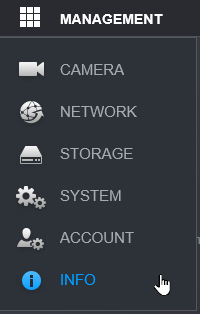
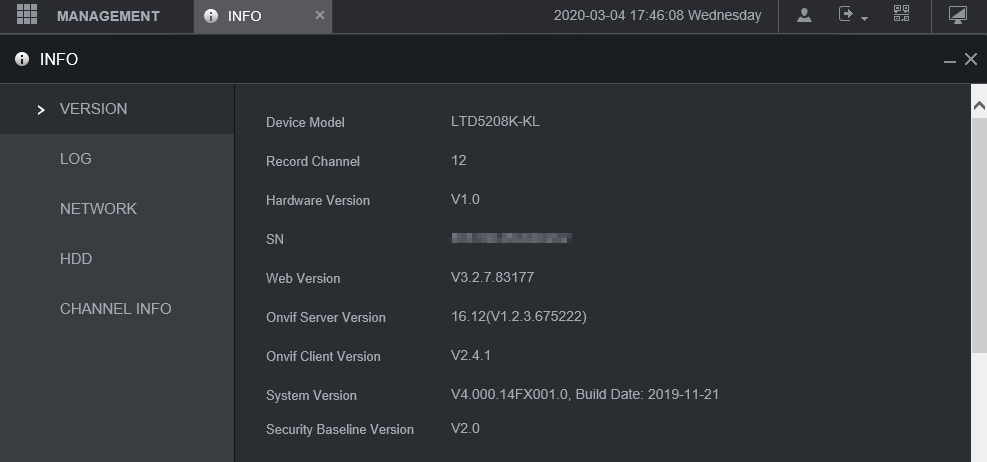
To find out the Model# information. Go Management > Info
NVR
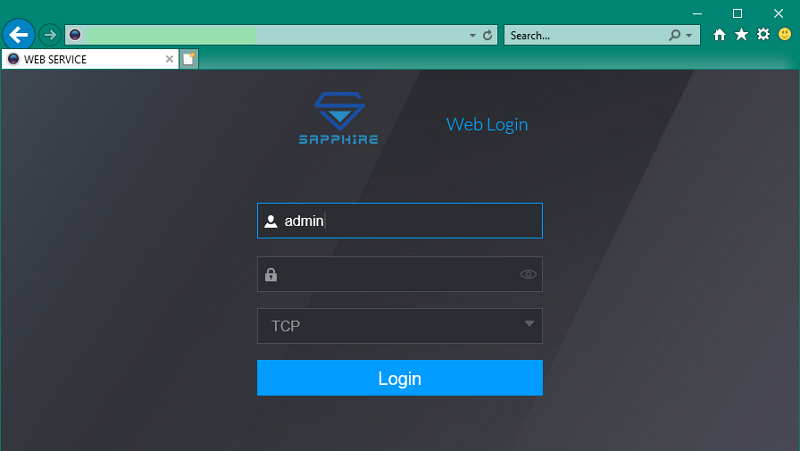
Login from the Browser first.
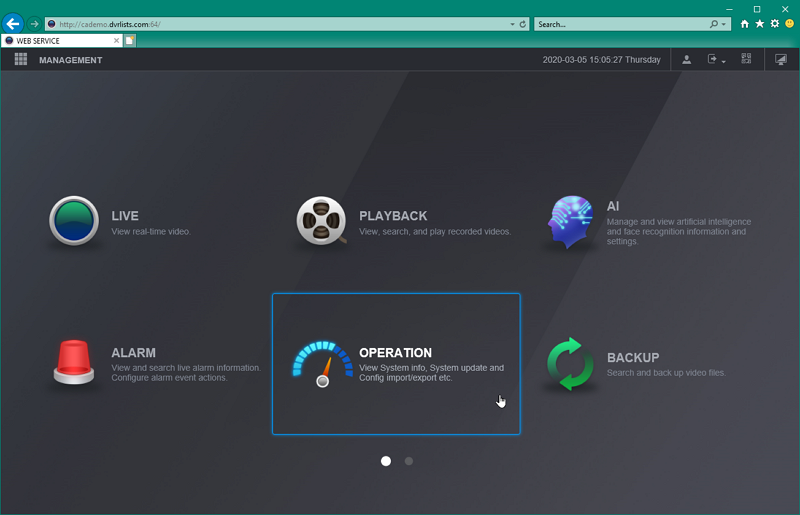
Go to the Operation
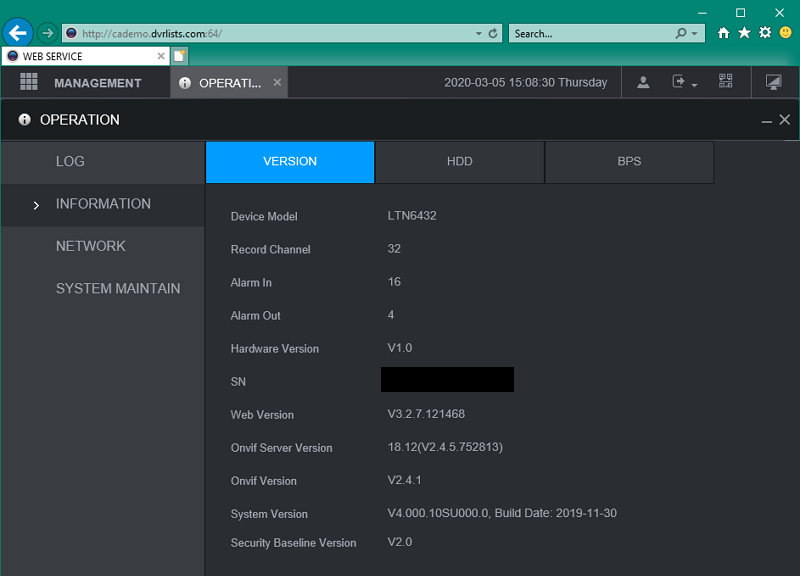
Then, you should see the Model# and System Version
Was this article helpful?
Bu bilgiler sorununuzu çözmeye yardımcı oldu mu?
Thanks for your feedback!
Still need help?
Uzman ekibimiz size yardımcı olmak için burada.