Sannce Sight - How to Update the Camera's Firmware Version Online?
Applies to:
NW41V/N441H/N441K/N28WEB/N441B/N441D/N441L/N44PAN/N44PAJ/N34WDB/N34WDD/N44WEB/N44WED/N44WEC/NW41V
1. Please go to System Setup-->Network Setup to make sure the P2P status is online. You can refer to these pictures below to check.

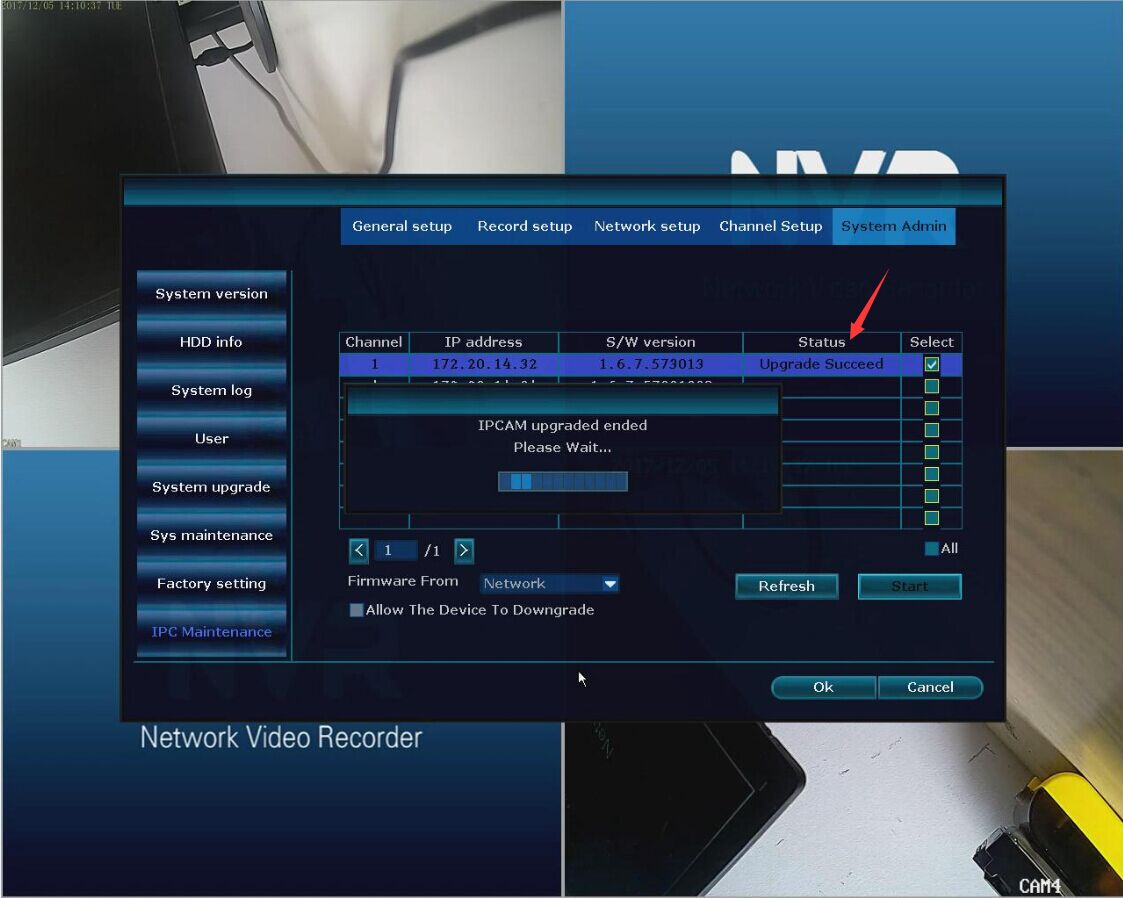
2. Please go to System Admin-->IPC Maintenance to select the camera that you want to upgrade, and choose Firmware From Network. After that, please click Start.

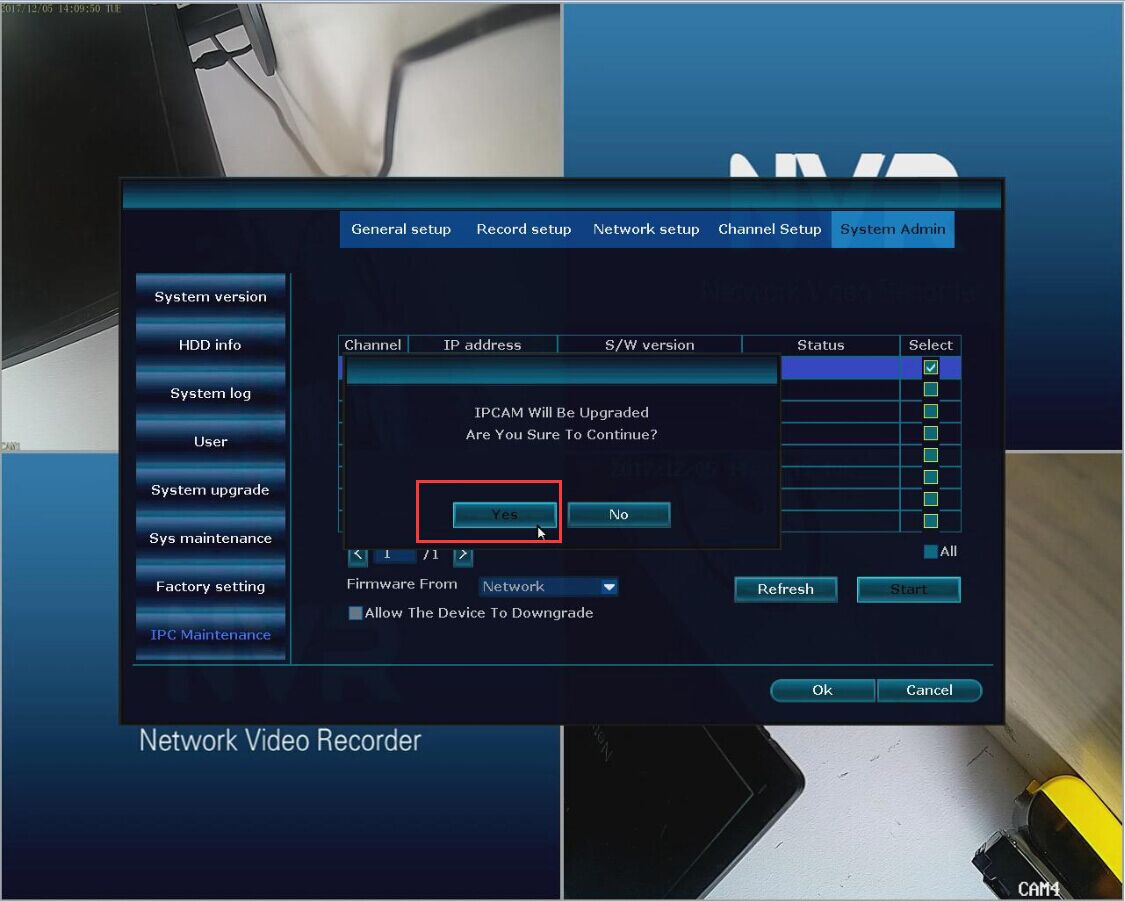
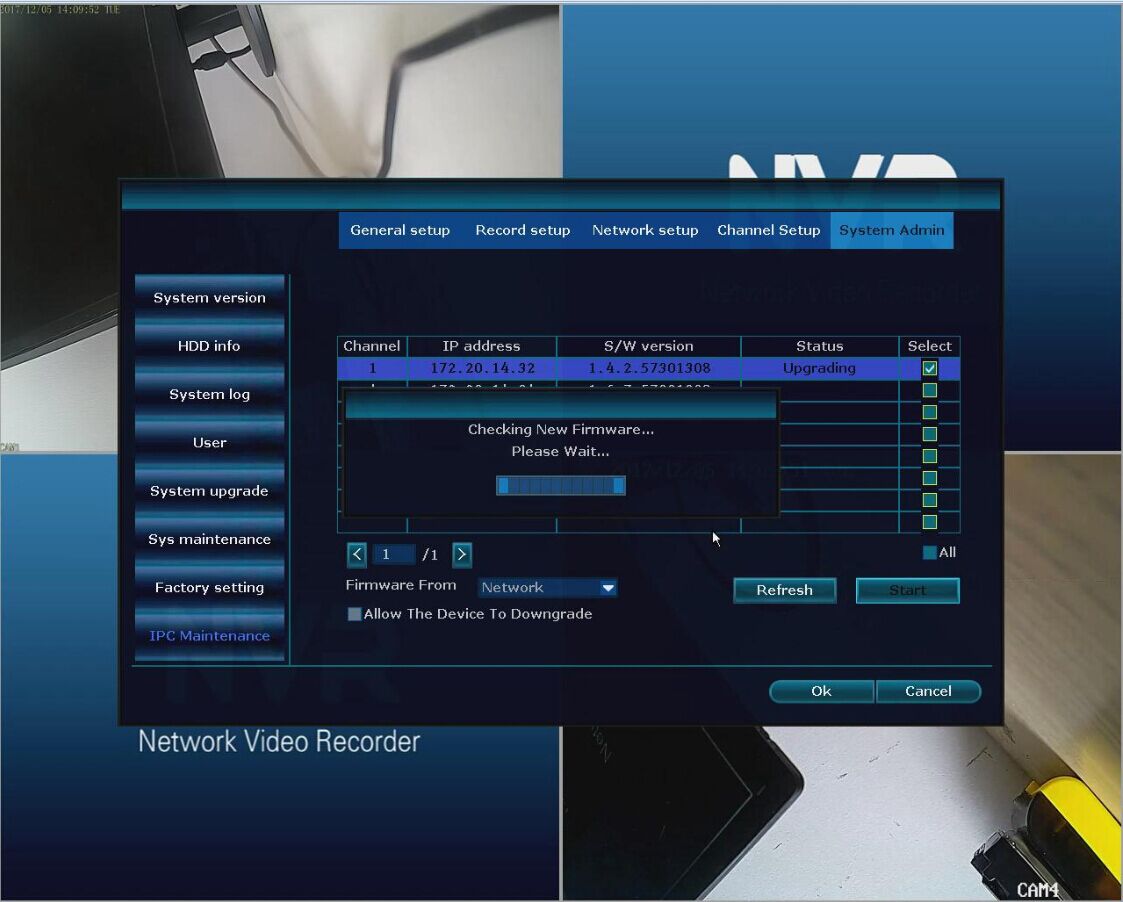
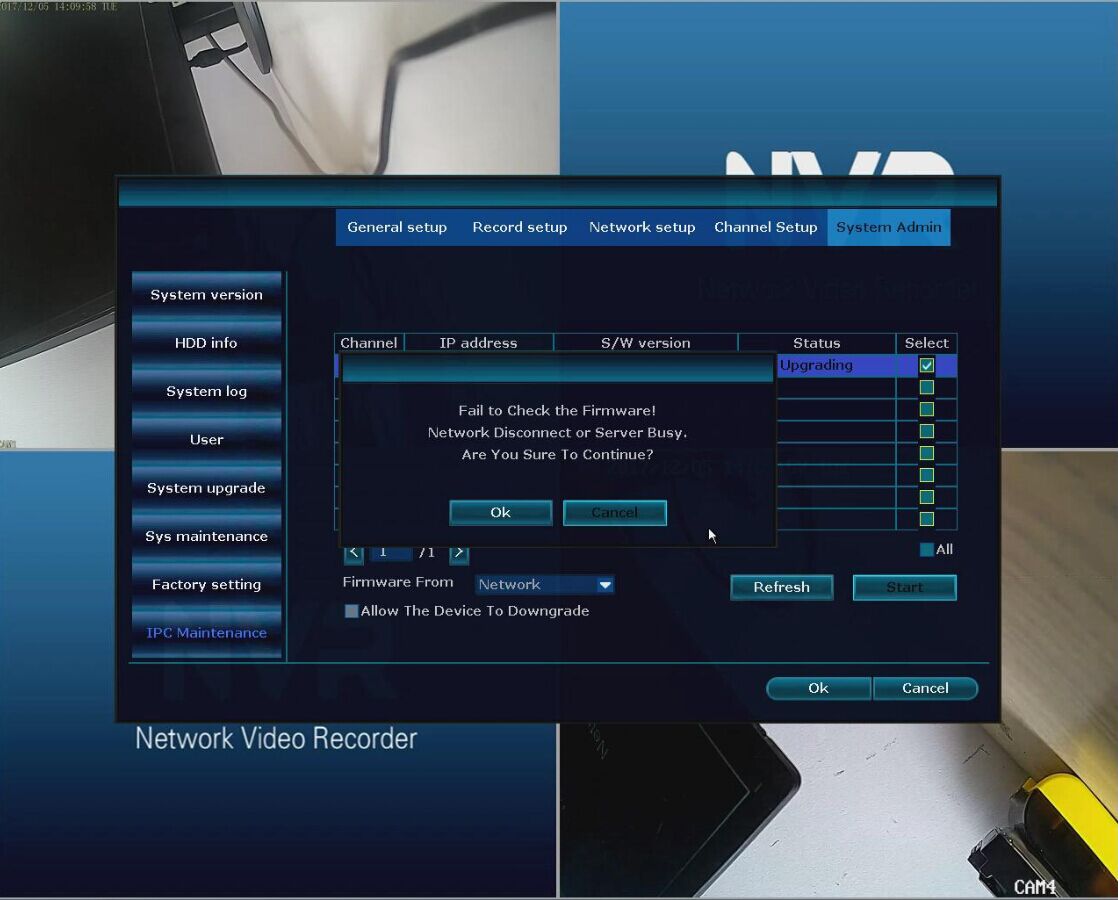
3. If there is a message showing Failed to check the firmware. You can try more times.
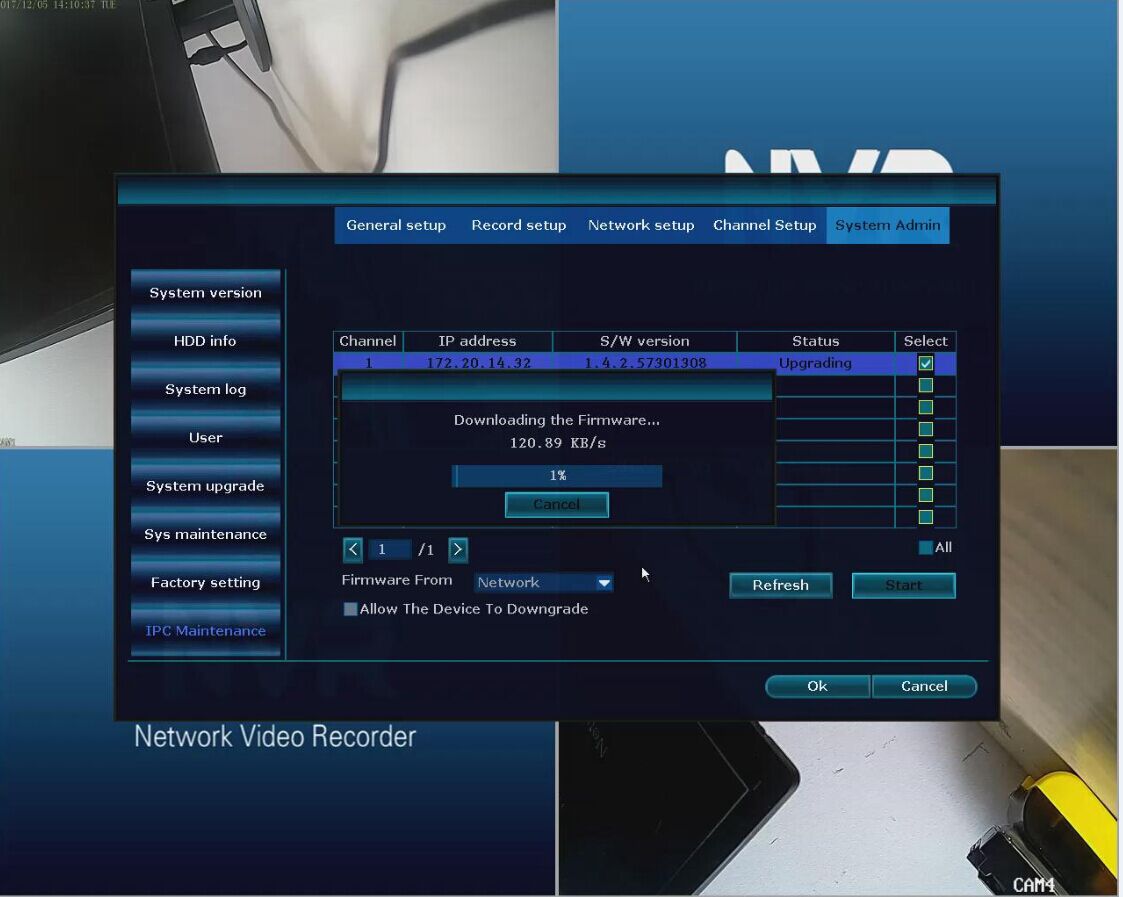
4. Then you can see "Downloading the Firmware" like the picture below shows. It means the camera detects the firmware file and updating.
5. Now, you can see the status shows"Upgrade Succeeds", which means the camera update finished.
When you finished updating the camera's firmware version, you can refer to this link below to enhance the camera's video signal.
Was this article helpful?
Bu bilgiler sorununuzu çözmeye yardımcı oldu mu?
Still need help?
Uzman ekibimiz size yardımcı olmak için burada.