Myannke - Cloud Storage on Myannke App
20 Aug 2026
420 views
Applies to: I41EJ
Purpose: It will automatically start to record and highly encrypted upload to the cloud. At the same time effectively avoiding the loss of key evidence caused by human destruction, SD card damage.
Before you start:
- Run the App and Log in to your app account.
- Enter into the Live-view page, and Click Settings > Cloud Storage.
The Cloud Storage interface:
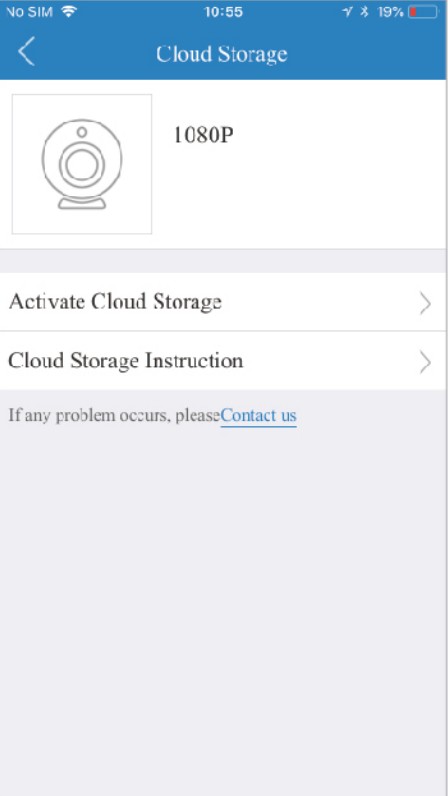
Activate Cloud Storage: You can enter the page and follow the steps to activate the function.
Cloud Storage Instruction: Introduce some instructions about cloud storage.
Was this article helpful?
Bu bilgiler sorununuzu çözmeye yardımcı oldu mu?
Thanks for your feedback!
Still need help?
Uzman ekibimiz size yardımcı olmak için burada.