How to Check Your Request in ANNKE Help Center
You may follow the steps below to sign up for a Zendesk account and view the status of your tickets.
Step 1: Go to ANNKE Support Center, click "Sign in" to log in to your account.
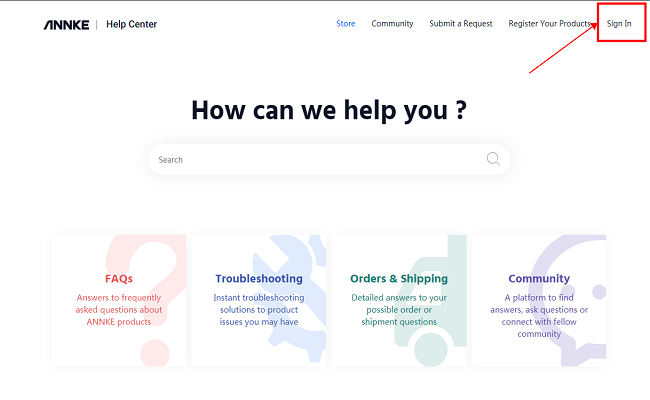
Step 2: If you do not have a Zendesk account, click "Sign up" to create your account.
Note: If you have a Zendesk account already, please go to Step 5 directly.
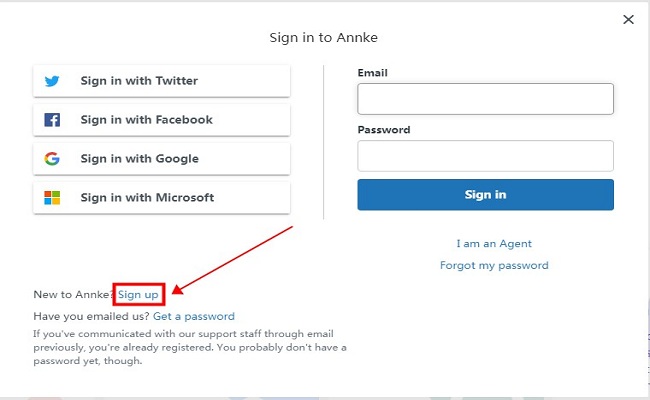
Step 3: Type in your name and your email address to which Zendesk will send a verification link later.
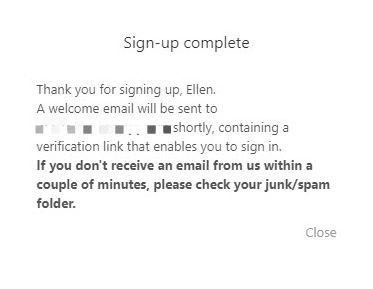
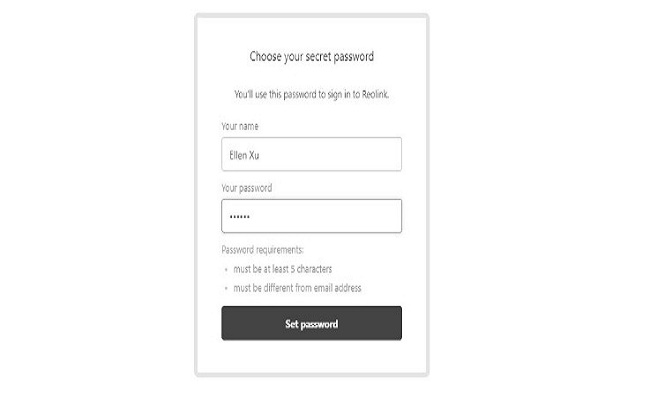
Step 4: Click the link in the email and create a password for your account, and then click "Set password".
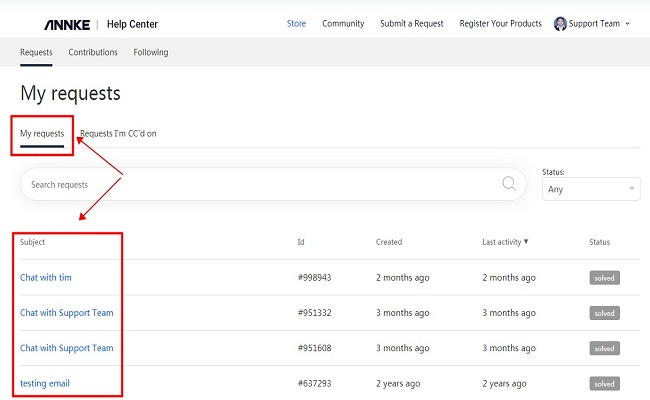
Step 5: After logging in to your account, click your name on the upper-right corner, choose "My Activities", and then you will be able to see the details of all your tickets.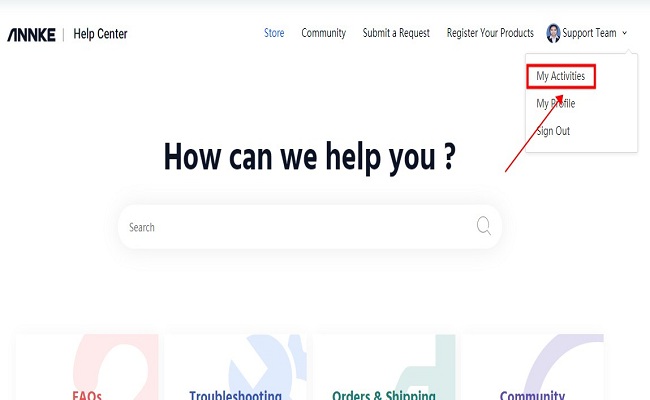
Was this article helpful?
Bu bilgiler sorununuzu çözmeye yardımcı oldu mu?
Still need help?
Uzman ekibimiz size yardımcı olmak için burada.