This is valid for models 2MT-7232 and older models of 2MT-7000 series.
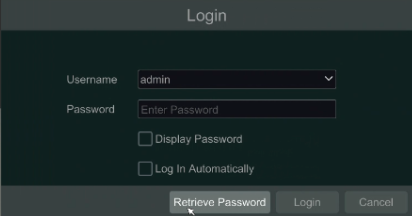
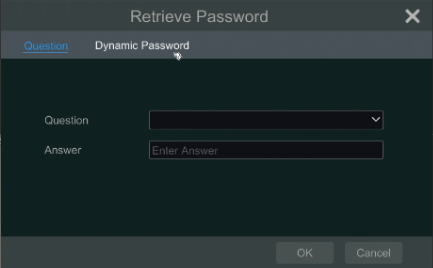
If you have forgotten your password, open the log-in screen on the DVR. It will say “Retrieve Password” on the bottom of the box. Then there will be tabs on the top where you will click “Dynamic Password.”
Contact Tech Support and give them the information that will display on the screen (Model, MAC, Date and Time).
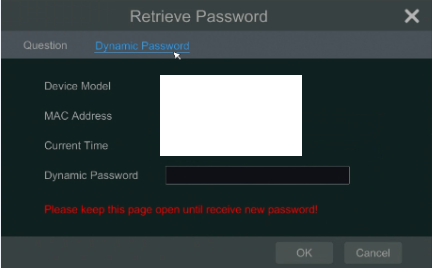
We will then give you the reset password that will default the DVR back to 123456. Please do not close the Dynamic Password window, or the reset process will have to be started again because then it will display a different time which will give a different reset code.