Cot Pro - How to Use App Cot Pro to Connect the Camera Without Ethernet Cable? (I21X I21Y I21YB)
Applies to: I21X/I21Y/I21YB
1. Please plug the camera into a power source by adapter. You will hear a beep.
2. Please search Cot pro in the apple store or google play and install it.
You can also download it from the link below.
For iPhone https://itunes.apple.com/cn/app/cot-pro/id1012269519?mt=8
For Android https://play.google.com/store/apps/details?id=com.cot_pro
3. Make sure your phone is connected to the wifi you want the camera to connect.
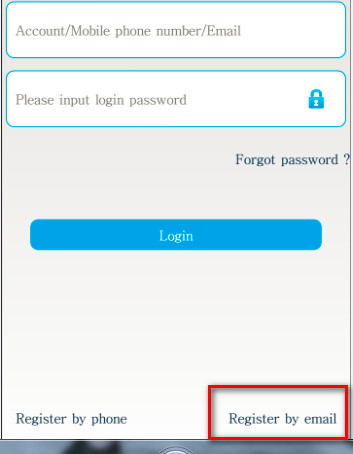
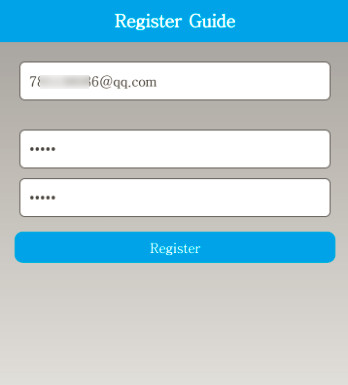
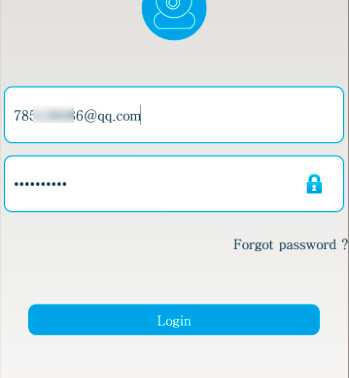
4. Run cot pro and register an account to the login app.
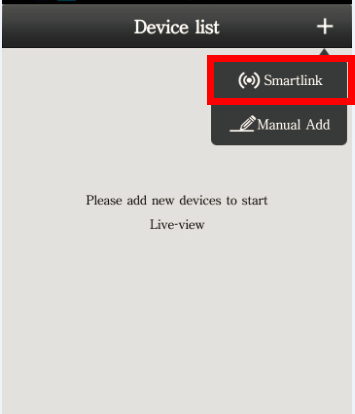
5. Add camera.
6. Input the wifi password.
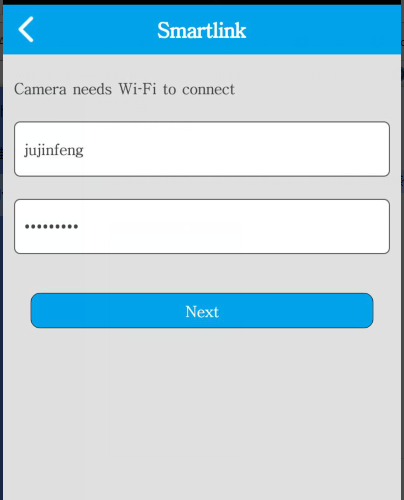
7. wait for 20-30 seconds. You will find beep frequency becomes rising and hear a big sound. It means the camera was connected to wifi successfully.
8. input the camera's password. (the default password is 123)
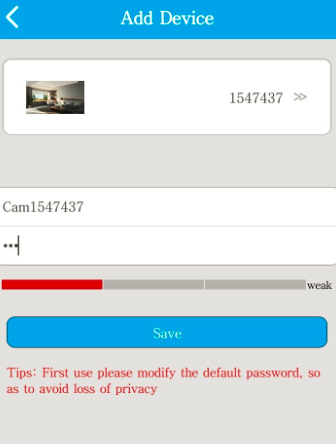
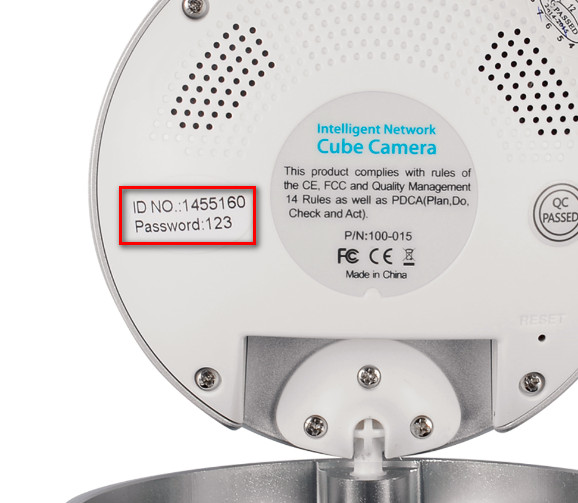
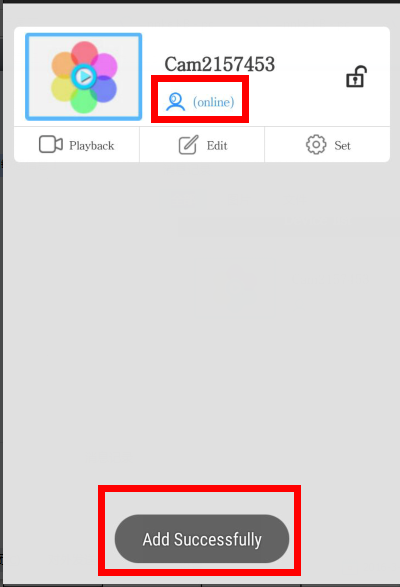
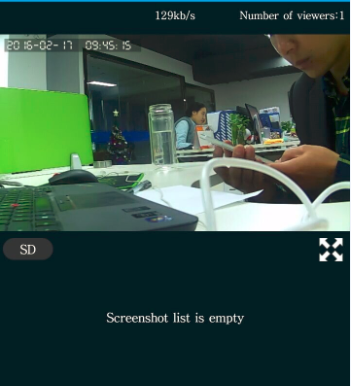
9. Finally, the phone can see the camera's image.
Was this article helpful?
Bu bilgiler sorununuzu çözmeye yardımcı oldu mu?
Still need help?
Uzman ekibimiz size yardımcı olmak için burada.