ANNKE VISION - General Guide of Watching Cameras on PC by Guarding Vision (for new user)
Applies to:
DT41Y/DT61Y/DT81Y/DN41R/DN61R/DN81R/DT41GB/DT81GB/DT61GB/DW41JD/DW81KD/DW61LD/DT81DP/N48PI/N44PI/N46PI/N44PAM/N48PAW/N46PCK/N88PCH/S500/S300/FC200/NCK800/H800/H500
Purpose:
This article introduces basic skills to get along with the PC software Guarding Vision.
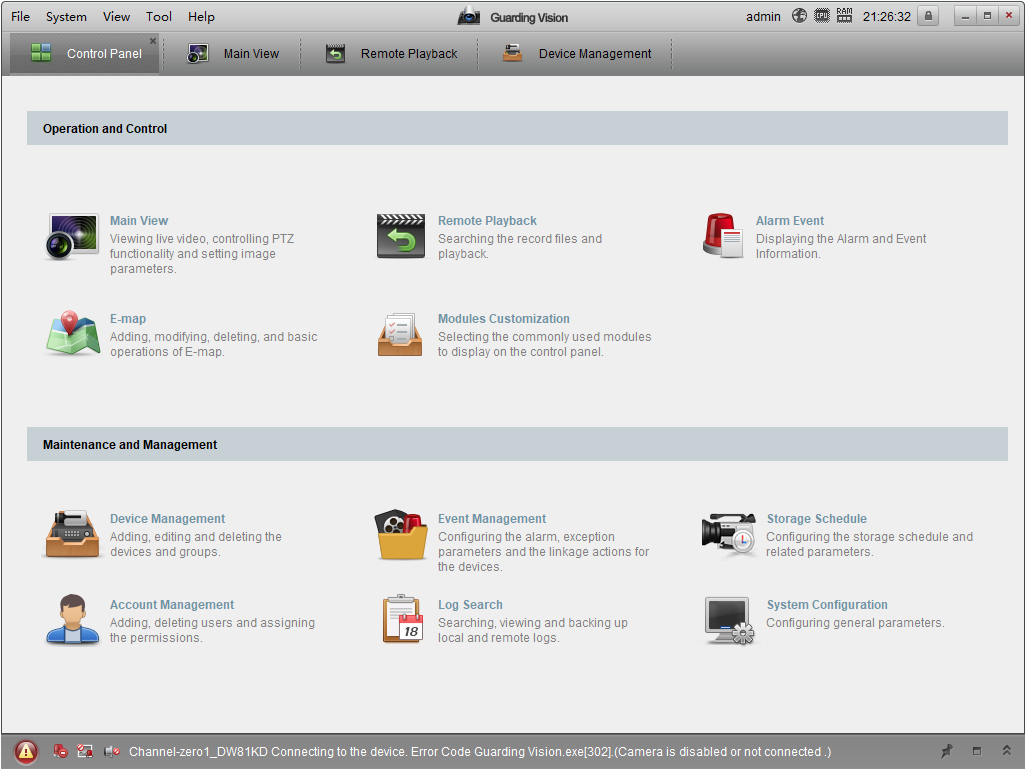
Catalog
1. Link with ANNKE system
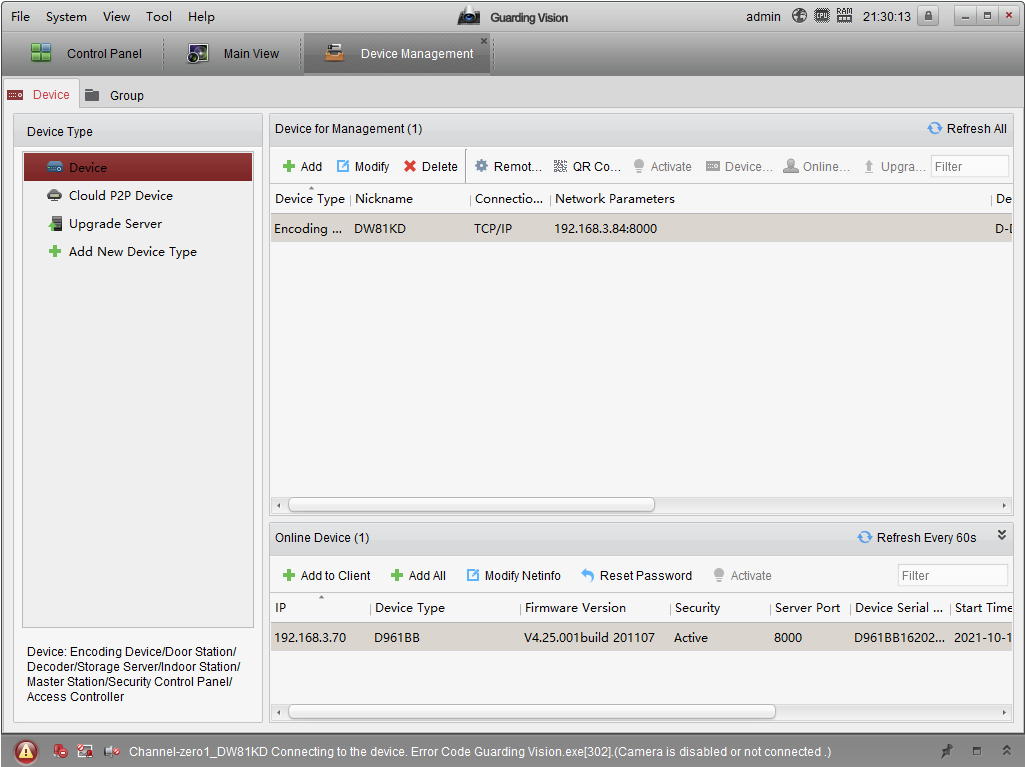
Annke Vision - Access the DVR/NVR System via Guarding Vision Software on PC (Via IP Address)
Annke Vision - Access the DVR/NVR System via Guarding Vision software on PC (Via P2P Cloud)
There are two ways to connect Guarding Vision with the ANNKE system. Each of their advantage and deficiency.
Loca access via IP address provides a better experience on the camera view and playback, while remote access via P2P cloud allows access even from abroad.
2. Playback/download footage
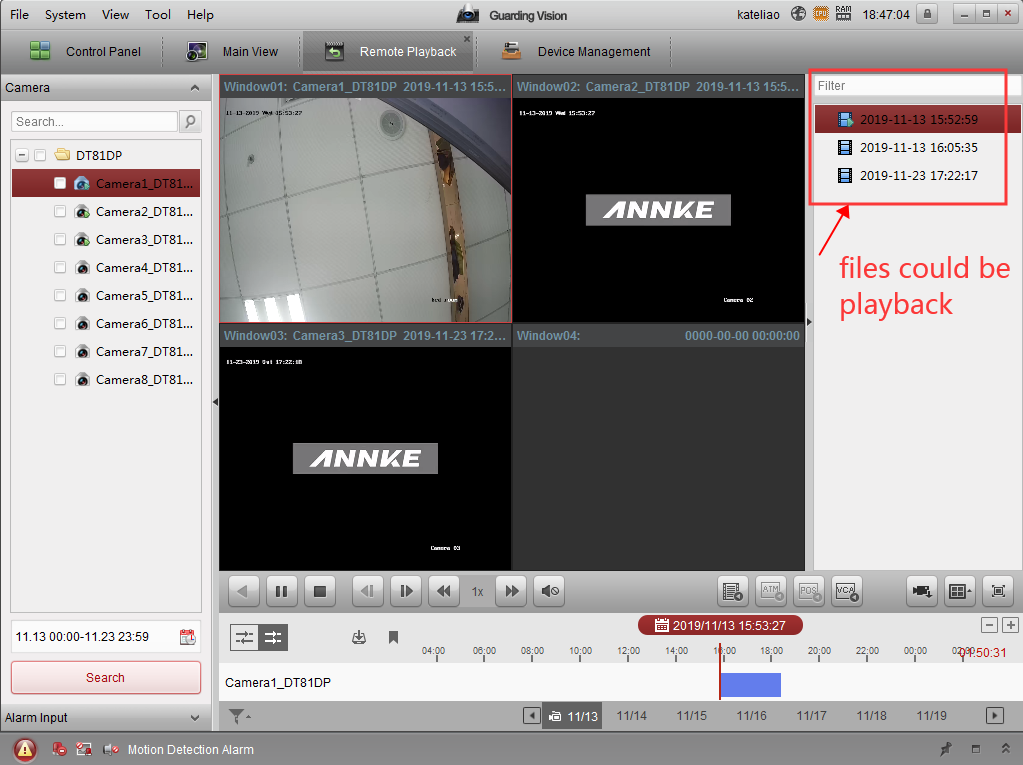
Annke Vision-How to Playback And Download Recordings on Guarding Vision?
Playback/download works better under local access. It might take a while for loading when doing this via remote access.
If you find this article helpful, please click 'Helpful' at the end of this article.
If you have any suggestions or questions for this article, please contact ANNKE support here.
Was this article helpful?
Bu bilgiler sorununuzu çözmeye yardımcı oldu mu?
Still need help?
Uzman ekibimiz size yardımcı olmak için burada.