Annke Nova - What To Do if I Forgot the Login Password for Annke Nova APP?
20 Aug 2026
254 views
Applies to: I41HG/I41CS
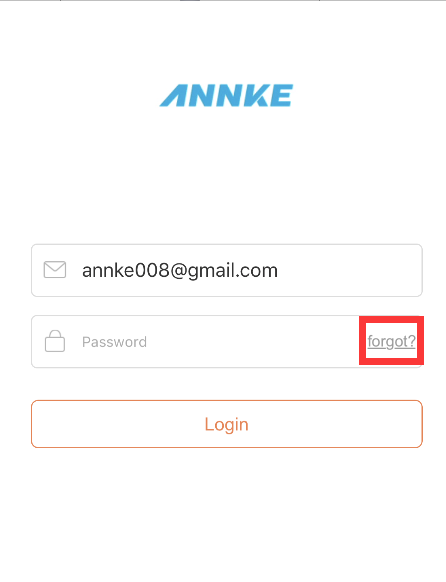
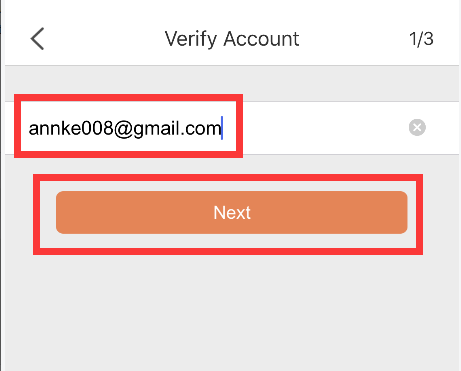
1. If you forgot your login password, please click the “forgot” button, then input the email account you used for registration and click “Next”. At this time, the APP system will send a verification code to the registered email box.
2. After you find the verification code from the registered email box, please input it in the APP, and click “Next” to reset the password. Please input a new password two times and click “Submit” to finish your resetting. Finally, you can log in to the APP with the new password.


Was this article helpful?
Bu bilgiler sorununuzu çözmeye yardımcı oldu mu?
Thanks for your feedback!
Still need help?
Uzman ekibimiz size yardımcı olmak için burada.